What integration means
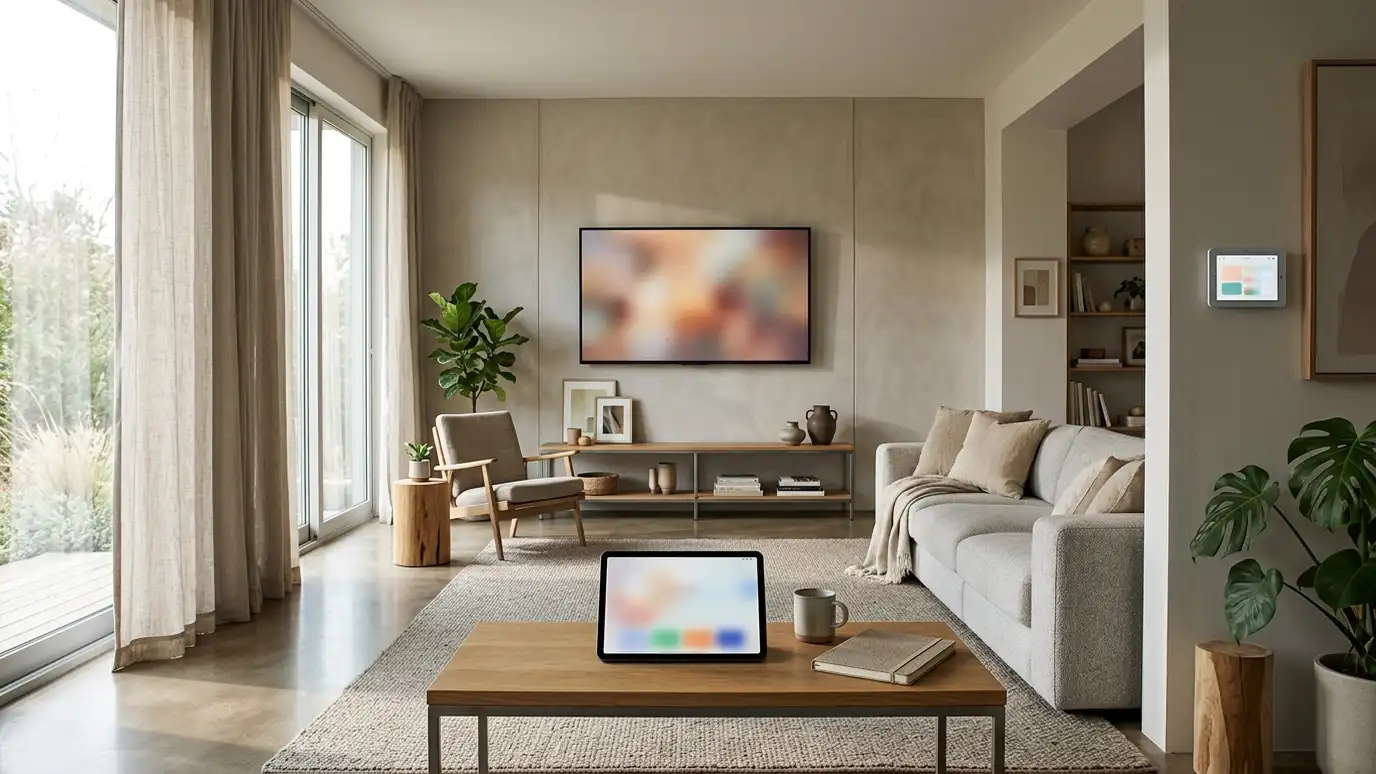
Integration means different devices work together as one system. A single button can dim the lights, lower the shades, start the TV and set the thermostat. Without integration, you juggle several apps and remotes.
Homeowners in Nashville often start with one smart device and soon want more. A plan helps those devices cooperate.
Good integration feels simple, even when it is complex underneath.
Make a list of your daily routines, such as leaving for work and going to bed. Those routines become the first scenes, and they keep the system focused on what matters.
Start with the network
Smart devices depend on a strong home network. A good router, wired access points and a plan for guests and devices keep everything reliable.
Weak Wi-Fi is the most common cause of smart home frustration.
Fix the network first, then add devices.
Check your internet and router before adding devices. A strong foundation avoids most of the problems that make people give up on smart homes.
Control choices
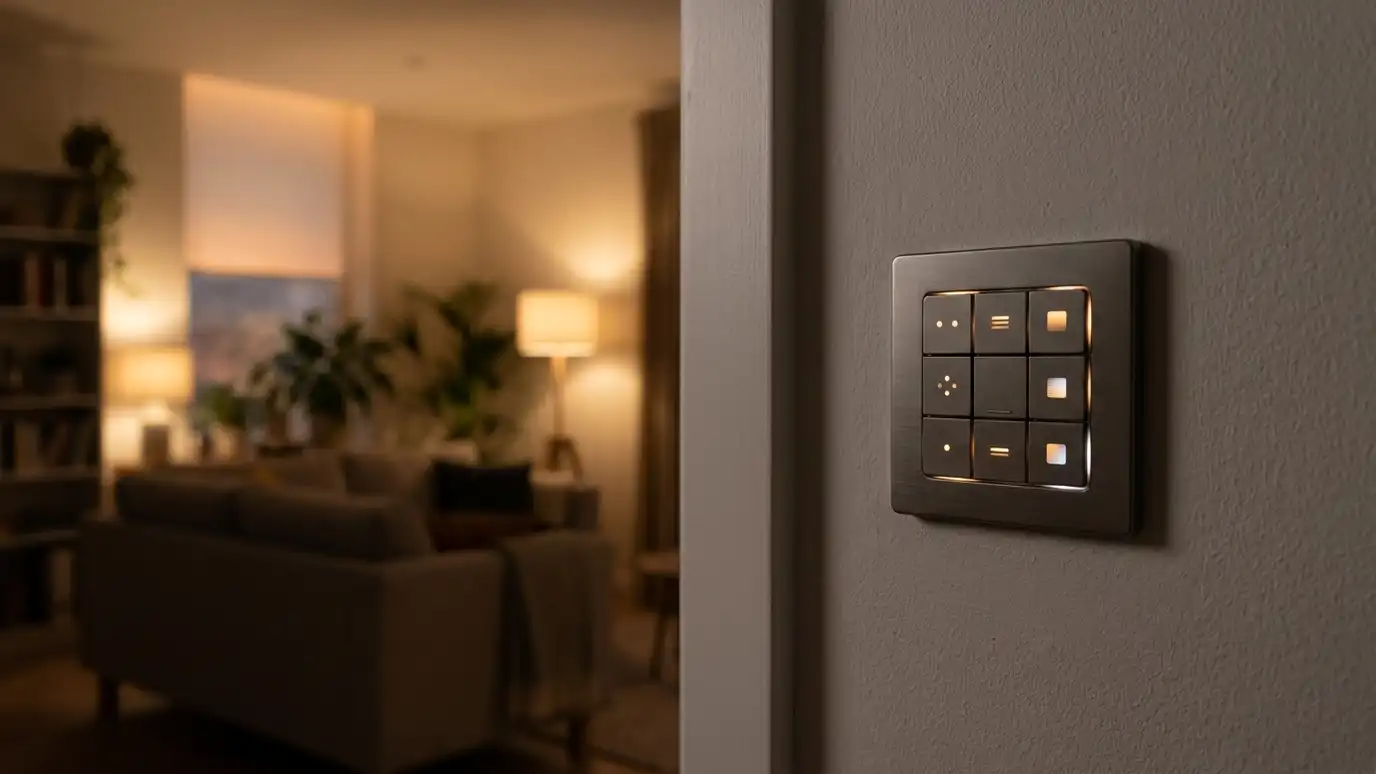
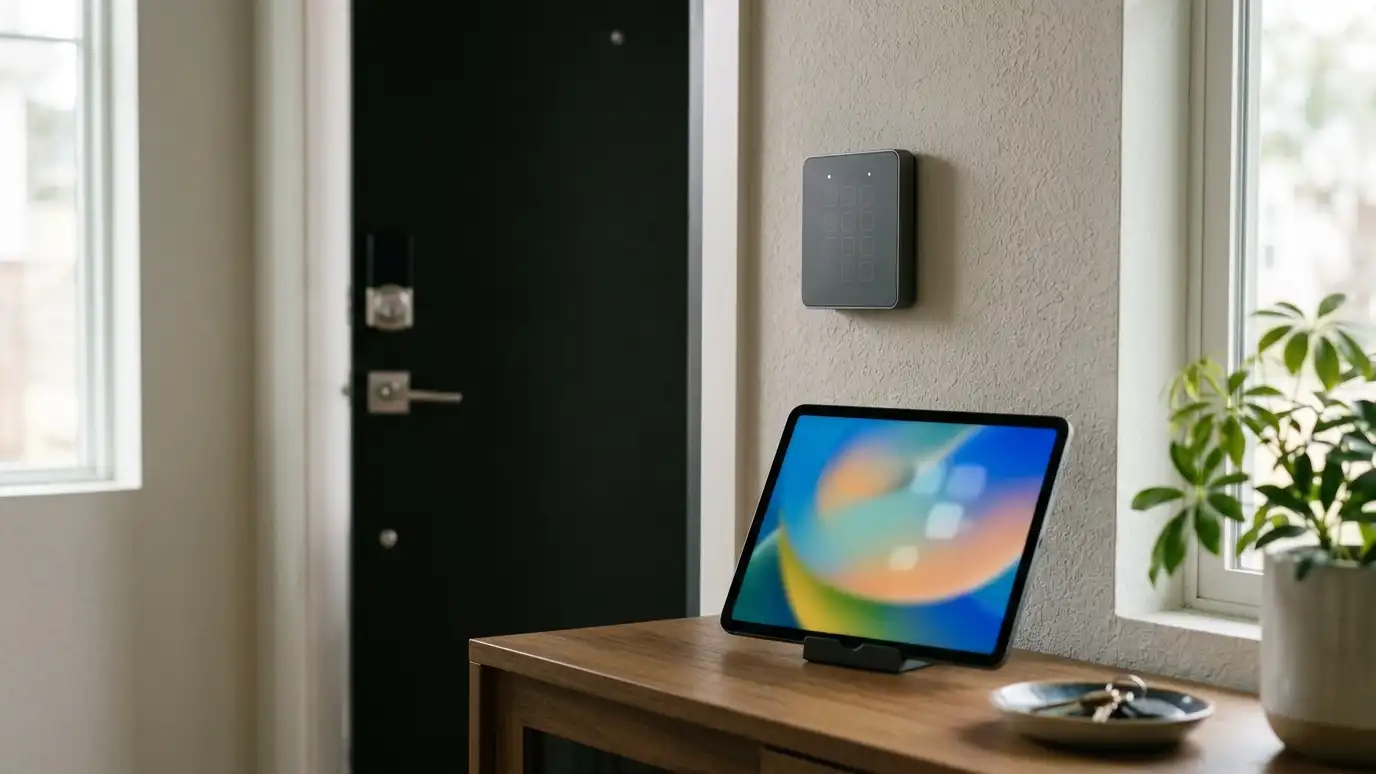
Phone apps, wall keypads, touch panels, universal remotes and voice assistants all control smart systems. A good system offers a few of these, so guests and family members can use whatever suits them.
Physical controls matter. A wall keypad works even when the internet is down.
Choose controls that people in your home will actually use.
Ask whether the system works with a normal wall switch. Devices that keep manual control are easier for guests, babysitters and anyone who just wants to flip a light.
Lighting, shades and climate
Lighting scenes make rooms flexible. Motorized shades add comfort and protect furniture. Smart thermostats save energy and respond to schedules.
These systems also tie into AV, so a Movie scene can dim lights and lower shades.
Make sure devices are compatible with your control platform.
Start with a few rooms and see how the family uses them. Real use tells you which scenes are helpful and which are never touched.
Voice and automation
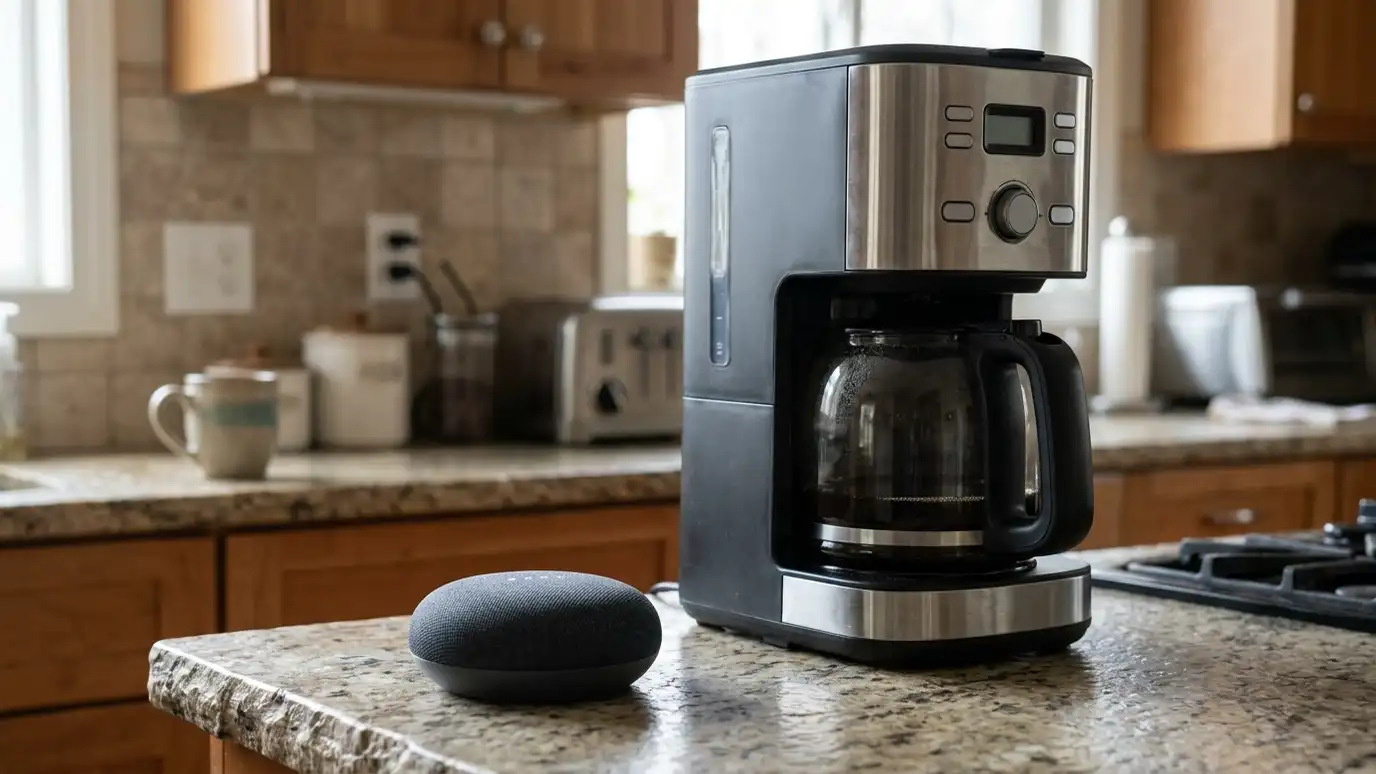
Voice assistants make small tasks quicker, and automation handles routines such as turning lights off at bedtime. Keep automation helpful and avoid too many surprises.
Always keep manual overrides, so you stay in charge.
Test scenarios such as arrivals, departures and power outages.
Review automation rules after a few weeks. A rule that sounded clever may be annoying in practice, and a quick edit keeps the system pleasant.
Privacy and reliability
Choose systems with good security practices, strong passwords and separate networks for devices. Understand what data leaves your home and what stays local.
Choose open platforms that can grow with you, and avoid systems that depend on one cloud service.
Document your settings and keep a backup of the programming.
Record the passwords and the devices in a simple document. When a router is replaced or a phone is lost, a record saves hours.
Fix the network first, choose open platforms, keep physical controls and program scenes around how you live.