Review what you have
List your TV, receiver, speakers, sources and wiring. Note the model numbers and the age of each. Write down what frustrates you.
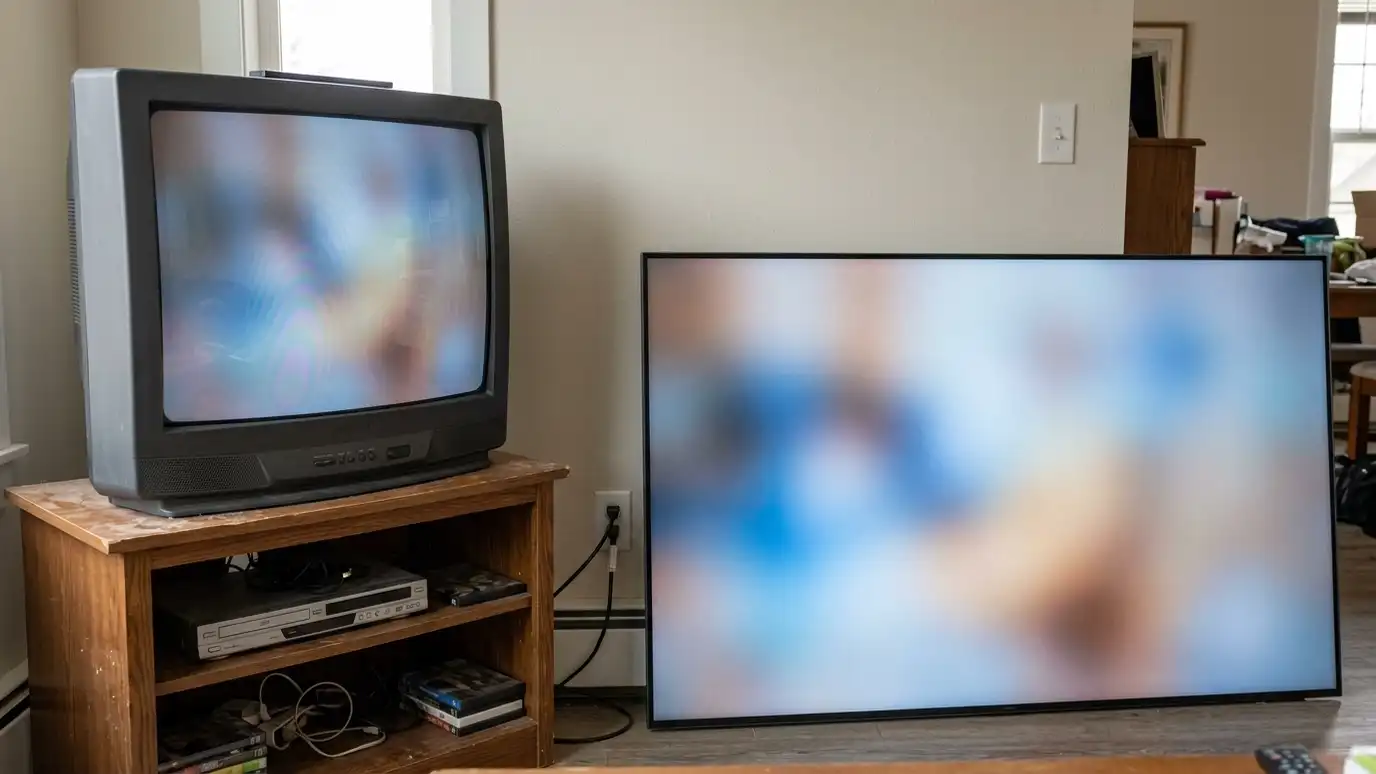
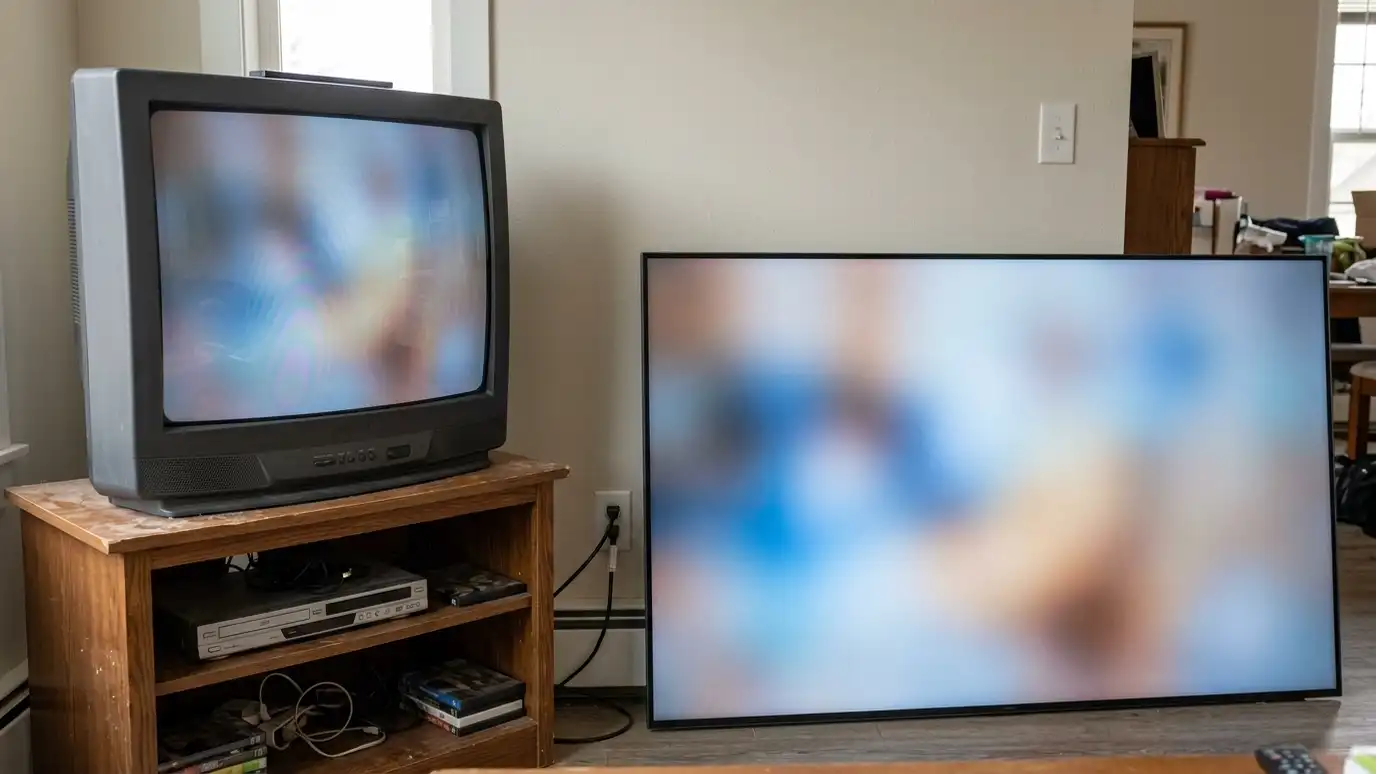
Homeowners in Nashville often have a system that grew piece by piece. A fresh look shows what still works.
Take photos of the back of your equipment.
Take a photo of the back of each component and write down model numbers. Those details let us check compatibility before you buy anything.
Find the weakest link
A system is limited by its weakest part. A new TV connected to an old receiver may still show a limited picture. Great speakers with a tired receiver may sound strained.
Often a single upgrade, such as the receiver or the speaker placement, makes the biggest difference.
Do not replace everything at once.
List the features you wish you had, such as better dialogue, more bass or a bigger screen. A short wish list helps us choose the upgrade that matters most.
Keep what is good
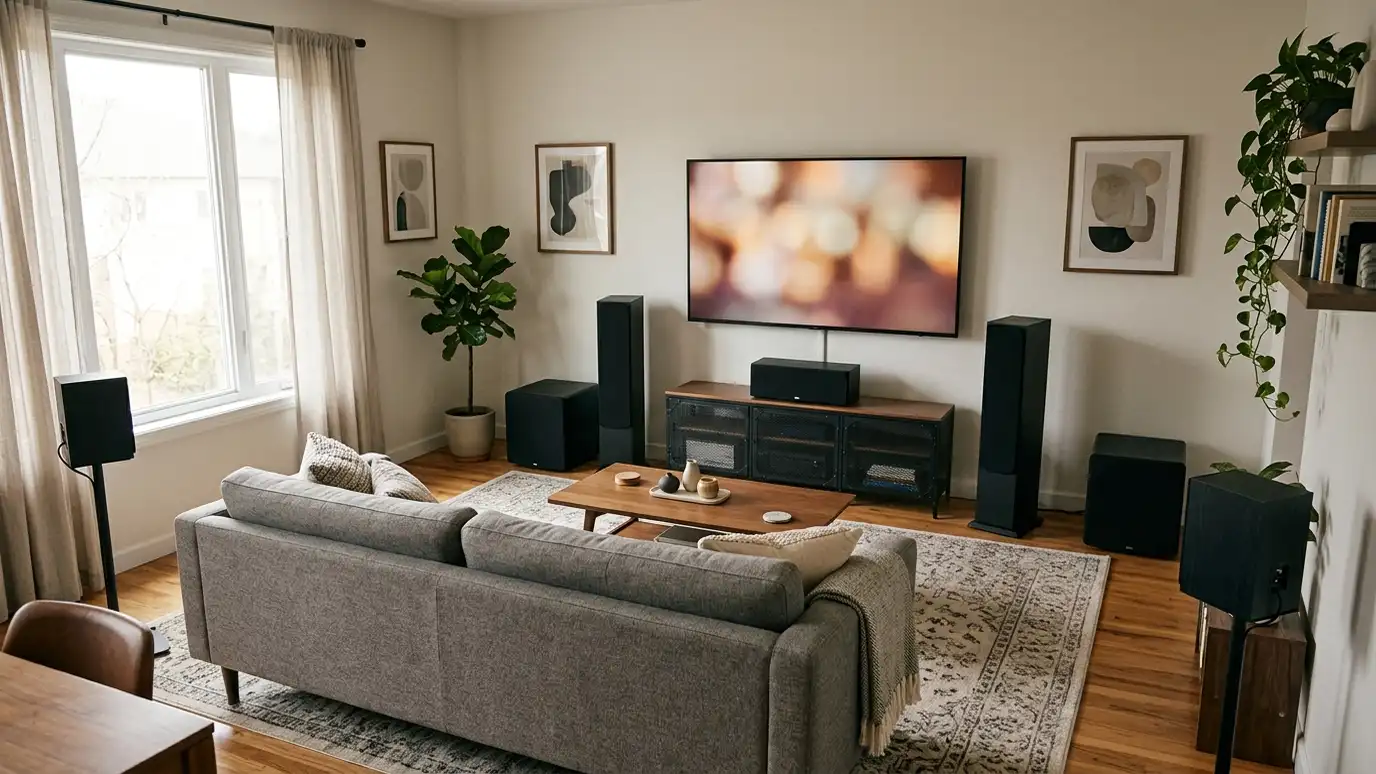
Speakers, mounts and wiring often last for many years. If they still work well, keep them and spend elsewhere.
Check that cables support modern formats. Old HDMI cables may not carry 4K properly.
Reuse the TV on a second room when you upgrade.
Test your old HDMI cables with the new gear before you replace them. Many work fine, and the ones that do not are easy to identify.
Upgrade in steps
Plan a sequence, such as the receiver first, then speakers, then the screen. Each step should work on its own.
Choose equipment that supports formats you may want later, such as overhead audio.
Plan the wiring for the final system, even if you upgrade in phases.
If you plan to upgrade over time, ask for a roadmap that shows each step and what it needs. A simple page keeps the project organized.
Check compatibility
New and old equipment must work together. Check inputs, formats and remote control. Confirm that your receiver has enough channels for added speakers.
An installer can confirm compatibility before you buy.
Ask about trade-in or resale for old equipment.
Ask about used or open-box equipment for secondary rooms, with sensible return terms. Careful shopping can stretch a budget without losing quality.
Tune after the upgrade
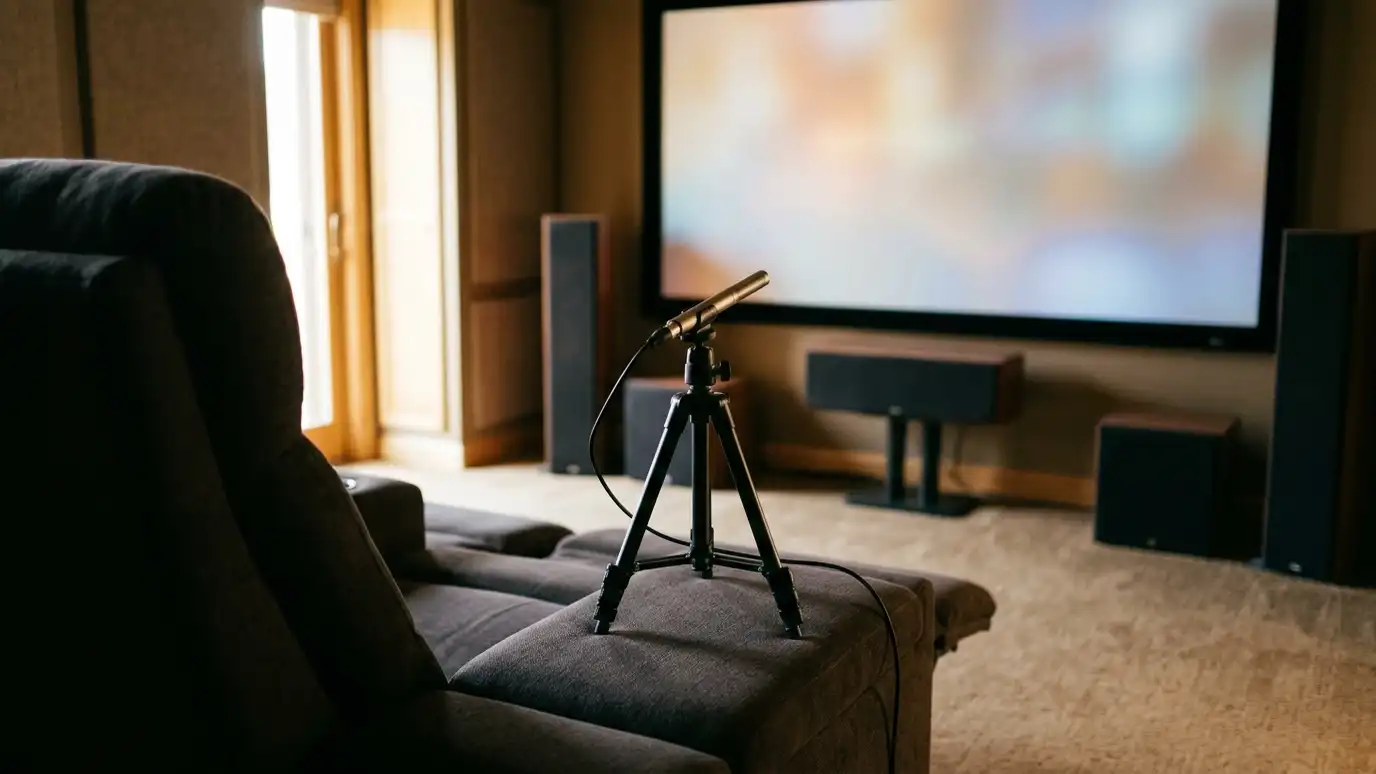
After new equipment goes in, calibrate picture and sound. Update software and reset the remote or control programming.
Save settings and take notes.
Enjoy the improvement and plan the next step when you are ready.
After you upgrade, run the calibration again and save the settings. New equipment changes the balance of the whole system.
Find the weakest link, keep what works, upgrade in steps and calibrate when you finish.