Start with the use
Every business has different needs. A meeting room needs clear conferencing, a restaurant needs zones and sports, a store needs music and signage, and a church needs speech and music reinforcement.
Business owners in Nashville often start by listing problems they want to solve. That list becomes the scope.
Visit the space with your team and note how people actually use it.
Spend a day watching how staff and customers use the space. The pauses, the complaints and the workarounds you notice tell you more than a spec sheet.
Reliability first
Commercial AV runs all day, and downtime costs money. Choose equipment made for long hours, with clear support and replacement options.
Simple systems fail less often. Avoid complexity that no one on staff can handle.
Plan a maintenance routine from the start.
Ask what your staff will do when something goes wrong. A laminated quick-start card and a clear support number keep a small problem from becoming a big one.
Simple control
Staff and guests should be able to start a meeting, change music or select a source without a manual. One-touch controls, clear labels and large buttons help.
Lock out settings that should not change.
Test the controls with someone who did not design them.
Include the IT team in the first meeting. Early agreement on network, accounts and updates avoids delays on installation day.
Sound and acoustics
Clear sound is the most important part of most commercial AV. Ceiling speakers spaced evenly, microphones that pick up everyone and acoustic treatment all matter.
Noisy rooms need louder, clearer sound, and quiet rooms need softer sound.
Zones let different areas have the right levels.
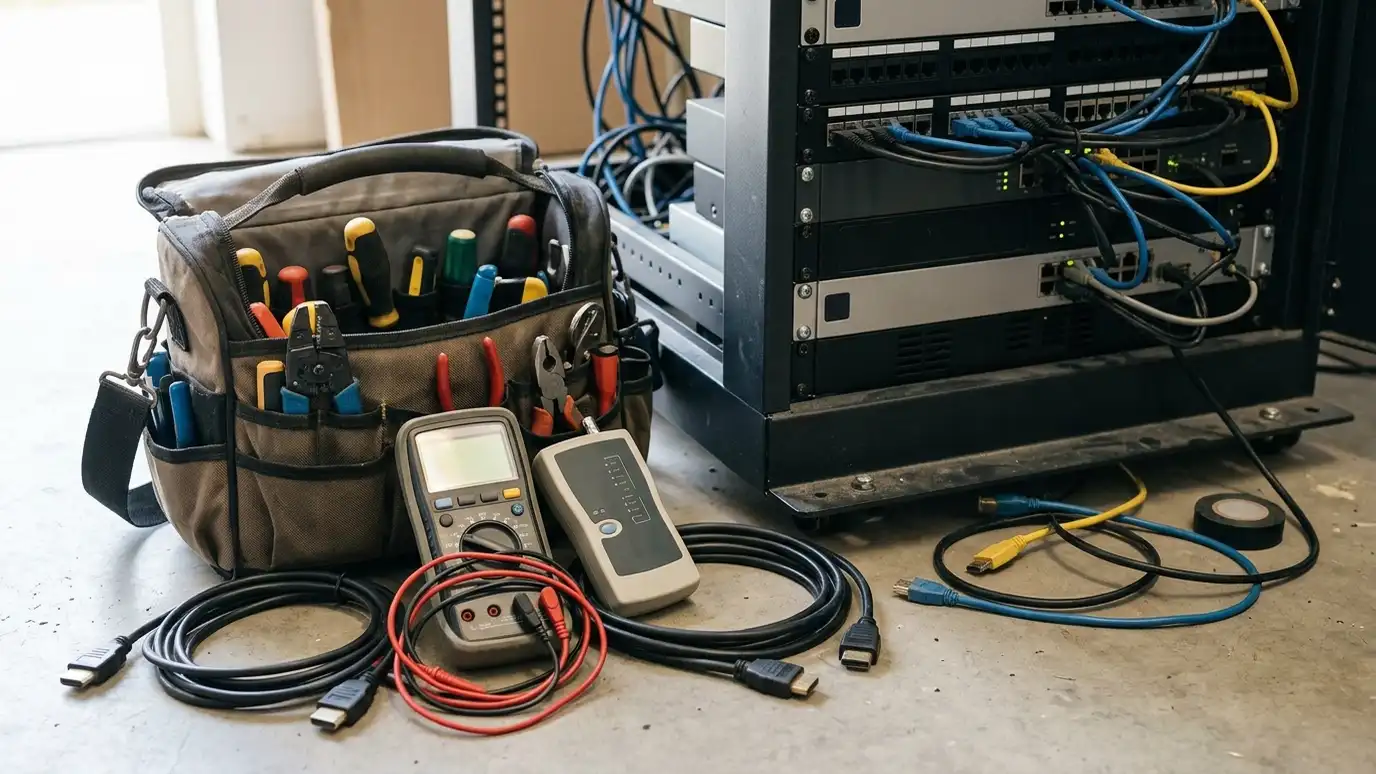
Ask for a clean, labeled equipment room or rack. When anyone can see what is connected to what, repairs are quicker and simpler.
Network and IT
Many commercial AV systems use the network. Coordinate with your IT team early on addresses, security and bandwidth.
Plan for remote management and updates.
Document the network and the passwords.
Choose equipment that you can replace easily. Parts that are widely available and standard connections make maintenance less risky.
Support and growth
Choose a company that will support the system after installation, with a maintenance plan and fast help when something breaks.
Plan for growth, such as more rooms or more screens, in the wiring and the network.
Keep records of every room.
Keep a record of every room, including model numbers, settings and photos. A binder or a shared folder makes the next upgrade smoother.
Start with how people use the space, choose reliable equipment, keep control simple and plan support from the beginning.