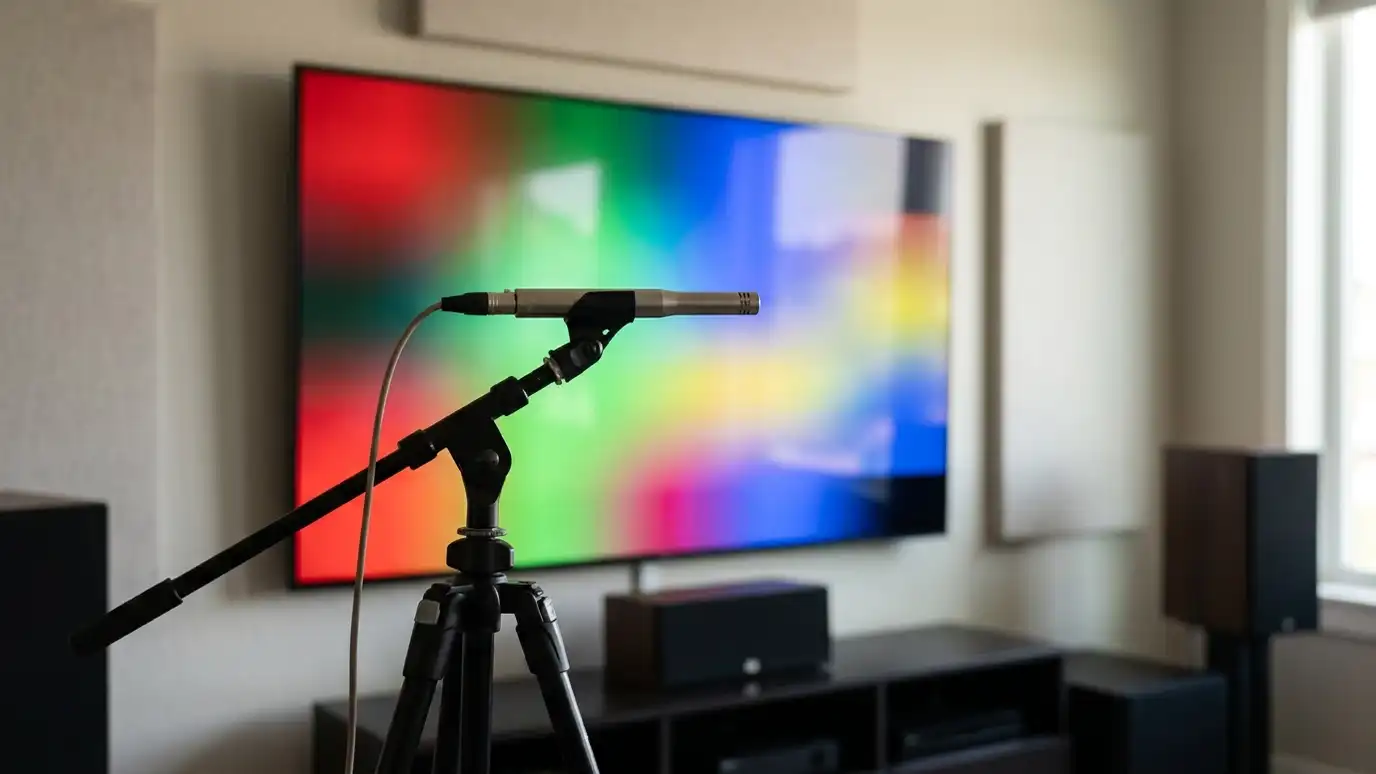
What calibration is
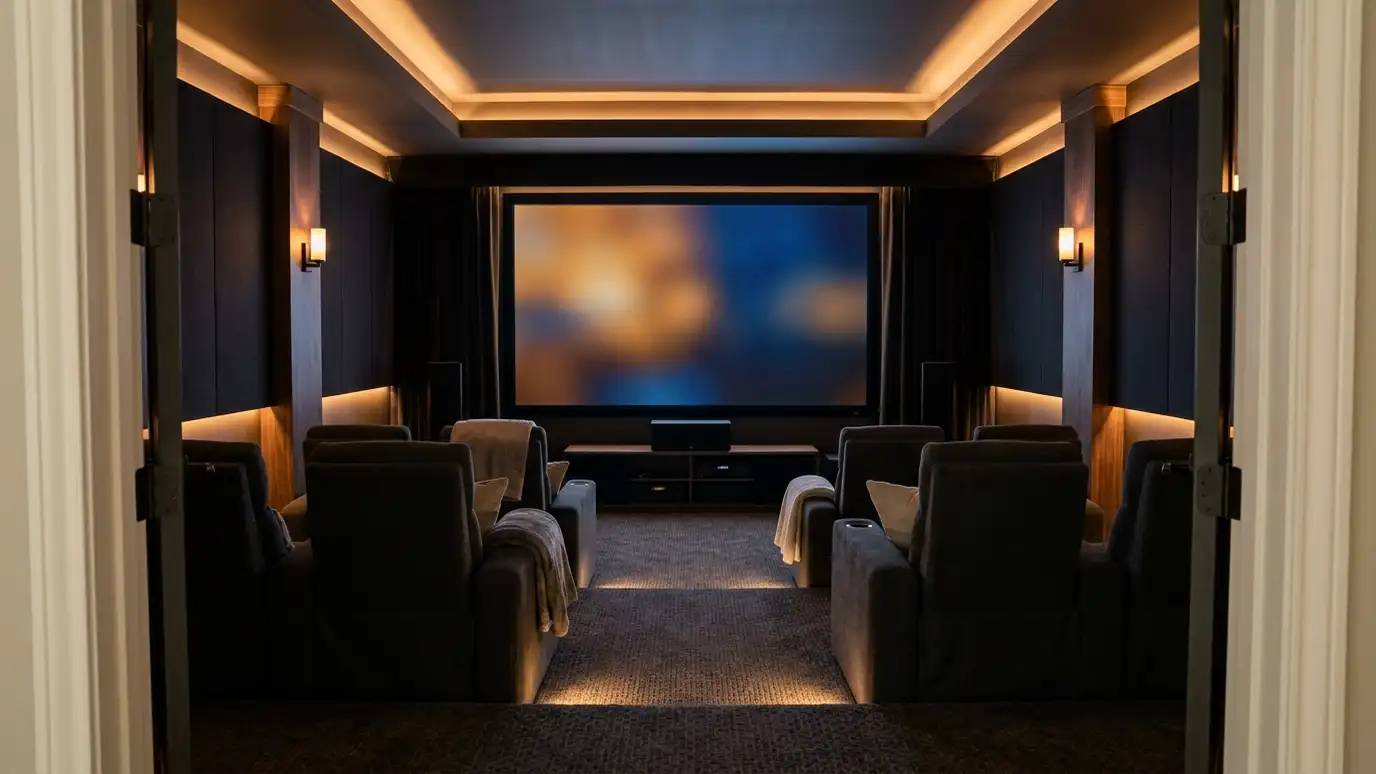
Calibration adjusts picture and sound so they match a standard, rather than a showroom. It aims for natural color, good contrast and balanced sound at your seats.
Homeowners in Nashville are often surprised by how much better a familiar system looks and sounds after it is tuned.
It does not need to be complicated.
Before you adjust anything, write down your current settings or take photos of the menus. If you do not like a change, you can always return to where you started.
Picture modes
Most TVs offer modes such as Vivid, Standard, Cinema and Game. Cinema or Filmmaker modes are often closer to accurate. Turn off motion smoothing and extra sharpening for movies.
Choose a mode for daytime and a mode for night.
Small changes can make a big difference.
Watch a familiar movie scene while you make changes, so you can judge skin tones and shadows. A scene you know well makes errors easy to spot.
Brightness and contrast
Brightness sets black level and contrast sets the white level. Test patterns help you set them so detail shows in dark and bright scenes.
In bright rooms, raise the backlight. In dark rooms, lower it.
HDR content may need different settings from regular content.
Make changes in the room lighting you normally use. A picture that looks right in a bright showroom may be too bright for a dim basement.
Color and sharpness
Color temperature affects how white looks, and color settings affect skin tones. Sharpness controls should be low, since too much adds halos.
A meter helps for fine adjustment.
If skin tones look orange or green, color settings may be off.
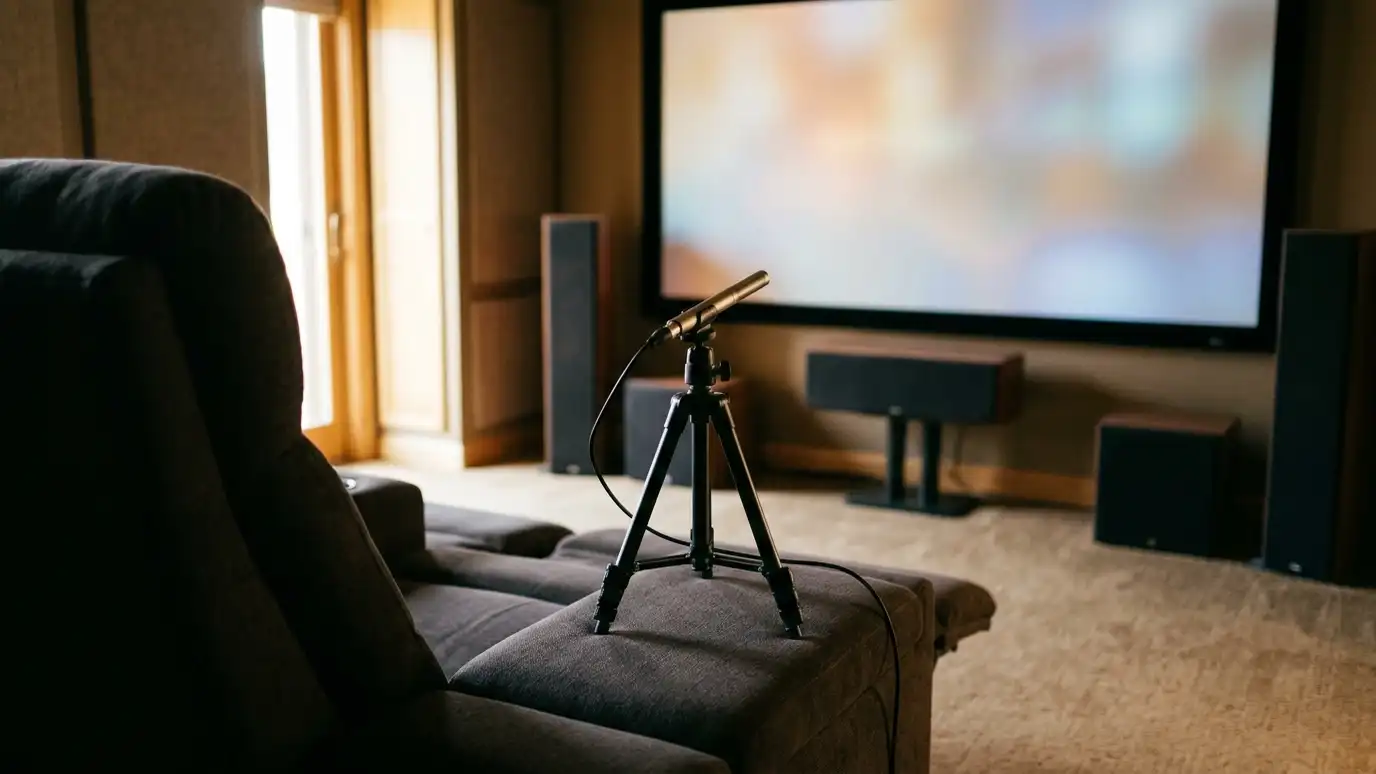
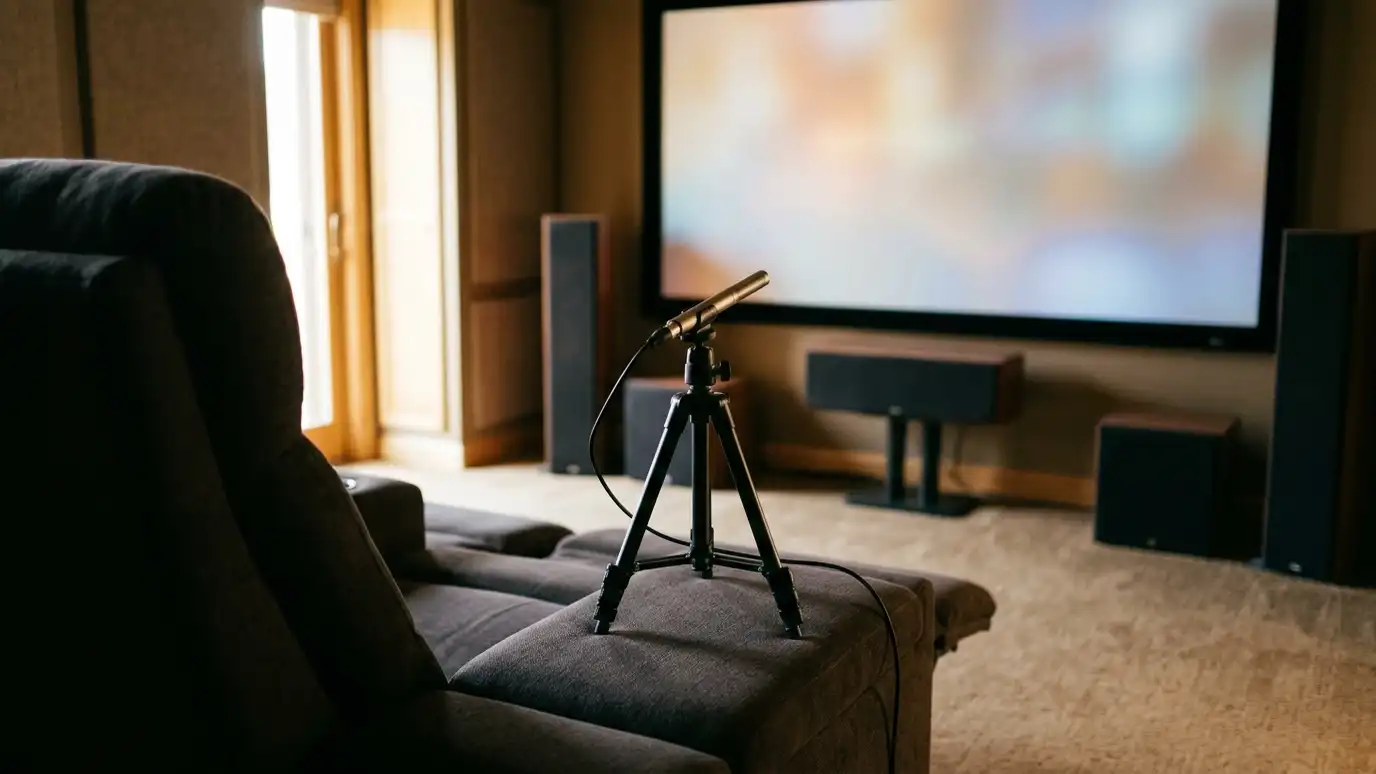
When you tune sound, sit in the main seat and keep the room quiet. Fans, air conditioners and kids all affect the measurements.
Sound setup
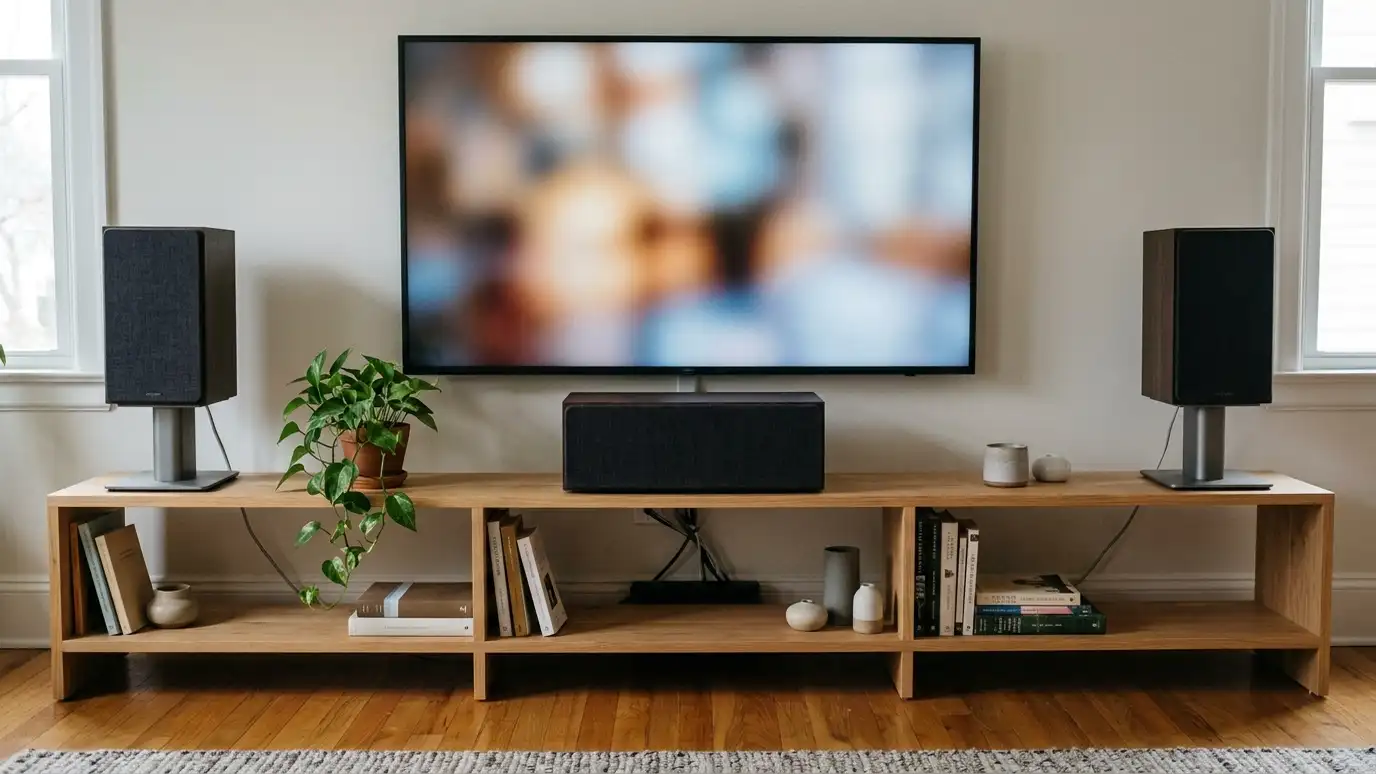
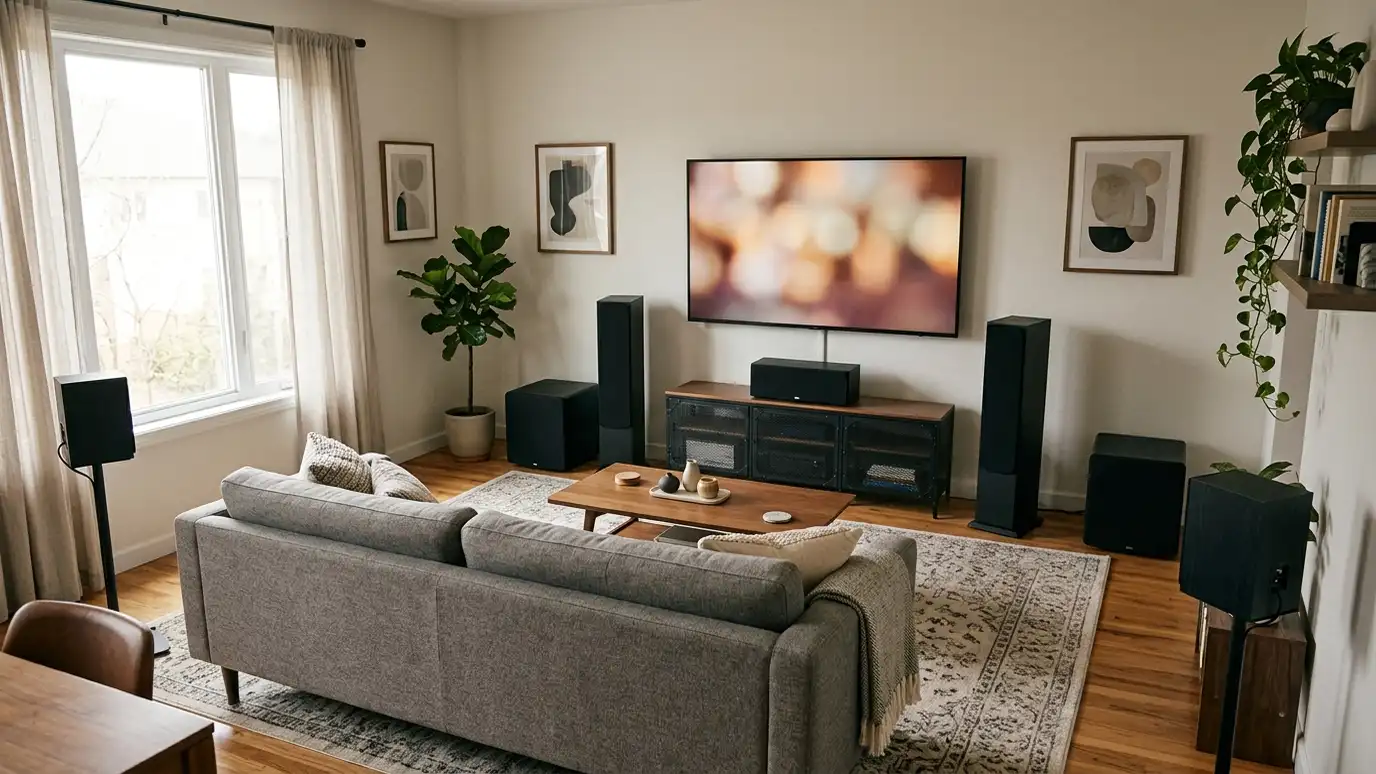
Set speaker sizes, distances and levels so each channel sounds balanced at your seats. Run the room correction tool in your receiver, then listen and adjust.
Tune the subwoofer so bass blends smoothly.
Create a late-night mode with lower dynamic range.
Use the same volume for each test, and listen to a few types of content, including dialogue, music and effects. A balanced system sounds good with all of them.
Check and save
Check settings every few months, since updates and accidents can change them. Save a profile if your equipment allows.
Write down the main settings.
When you add equipment or move furniture, recalibrate.
Set a reminder to check your settings every so often. Software updates and visitors who press buttons sometimes undo careful work.
Choose cinema modes, turn off effects that distort, balance levels at your seats and save your settings.