Why the network matters
Streaming video, music, cameras and smart devices all travel across your home network. If it is weak, everything feels slow or unreliable.
Many homes in Nashville have bigger floor plans than a single router can cover. A plan makes the difference.
Think of the network as the foundation of your AV system.
Run a speed test in each room, on Wi-Fi and with a cable if you can. The numbers show where the weak spots are and whether the problem is the service or the network inside your home.
Your internet service
Internet speed matters, but the way the signal travels inside your home matters more. A fast service with a weak router still gives weak Wi-Fi.
Check what speed you pay for and what you actually get in each room.
An installer can measure and explain the gap.
Look at where your router sits now. A router on the floor in a corner or inside a cabinet limits the signal, and moving it to a central, higher spot can help.
Router and access points
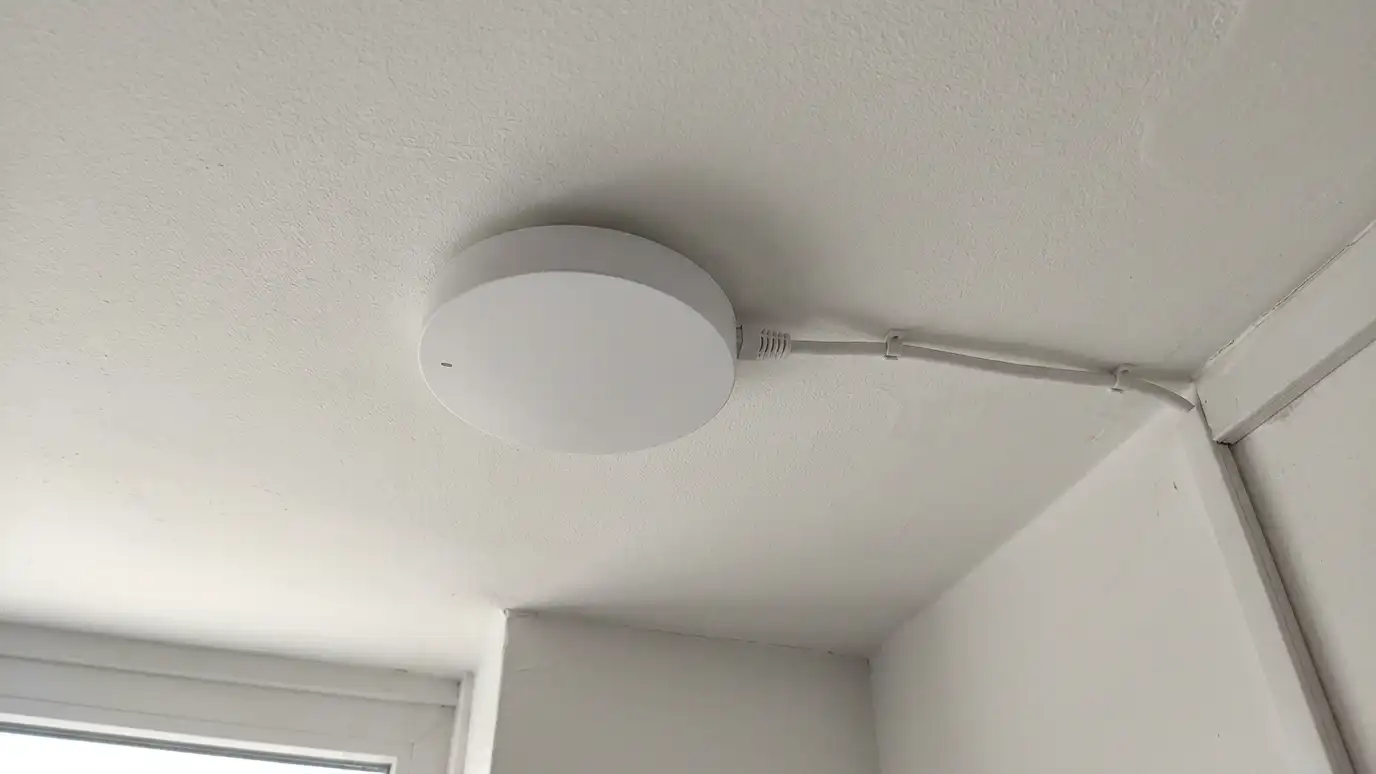
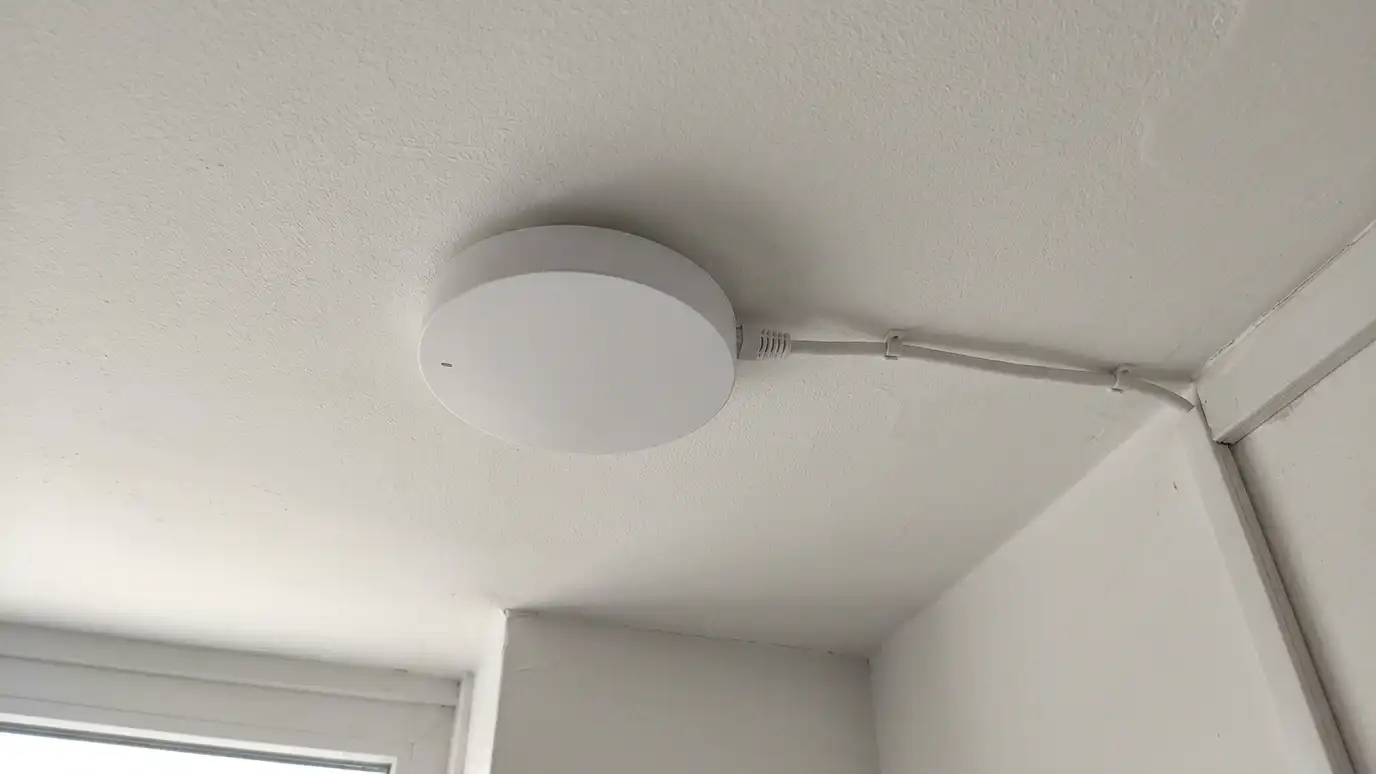
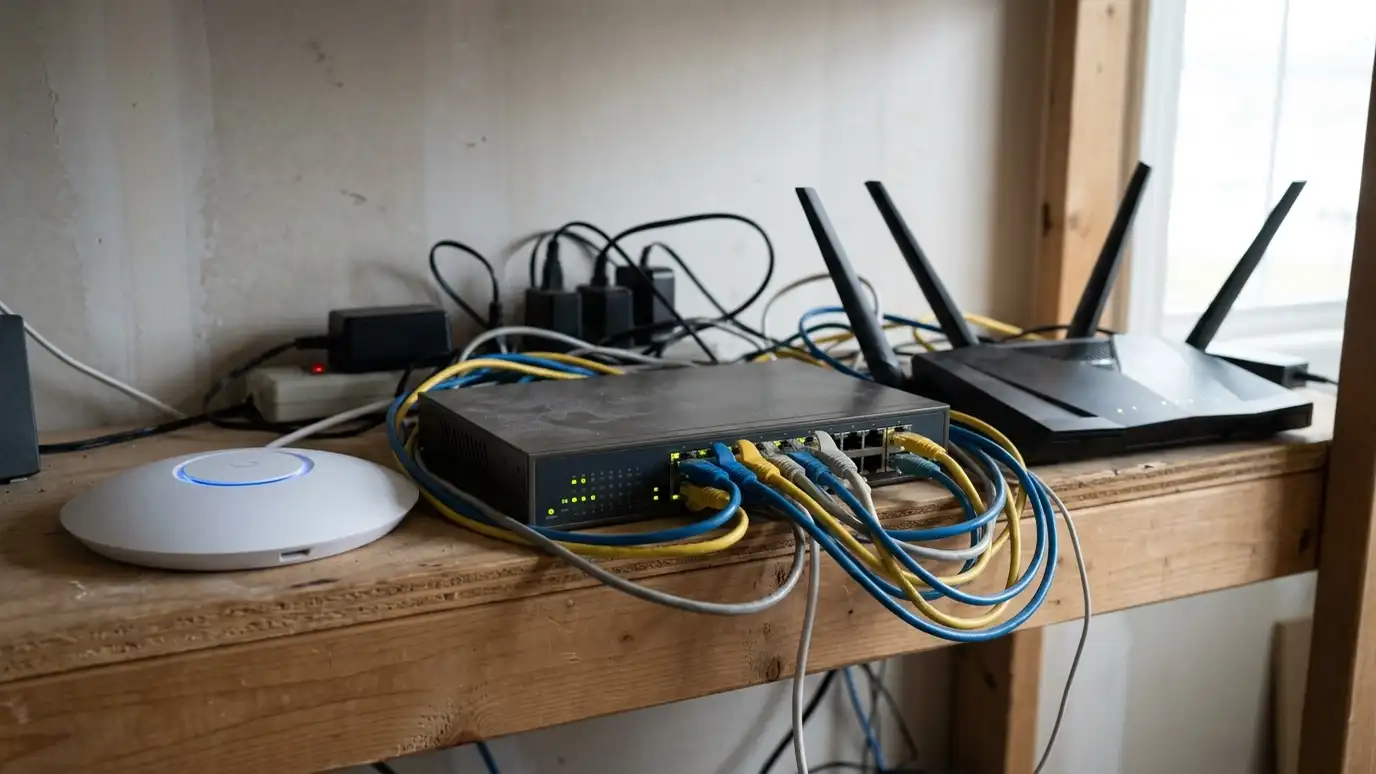
A good router handles many devices and keeps traffic organized. Access points spread the signal around the house. Wired access points, connected with network cable, are faster and steadier than mesh units that connect wirelessly.
Place access points on ceilings, centrally, rather than hiding them in closets.
Plan for the patio, the garage and other places you use devices.
If you are building or remodeling, ask for network cable in every room and in the ceiling for access points. It costs little during construction and solves many problems.
Wired connections
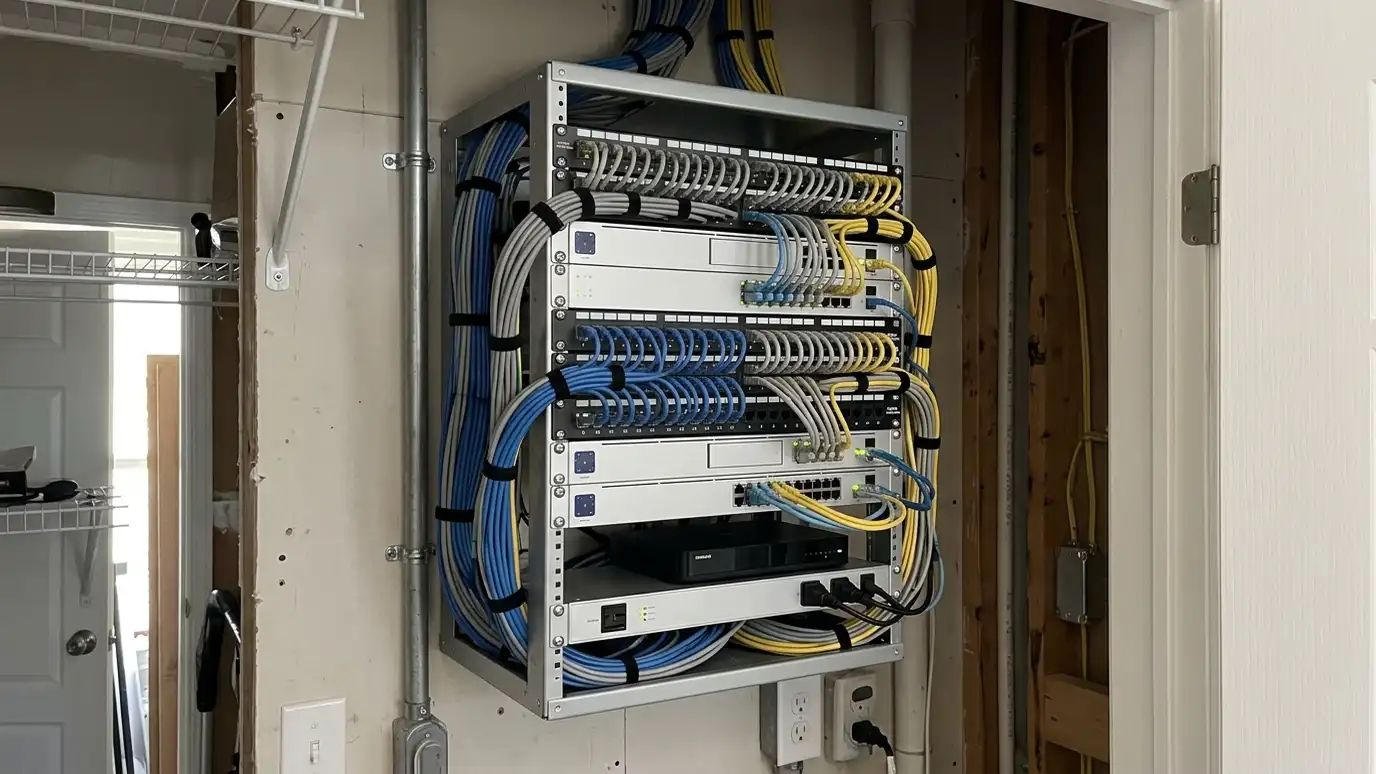
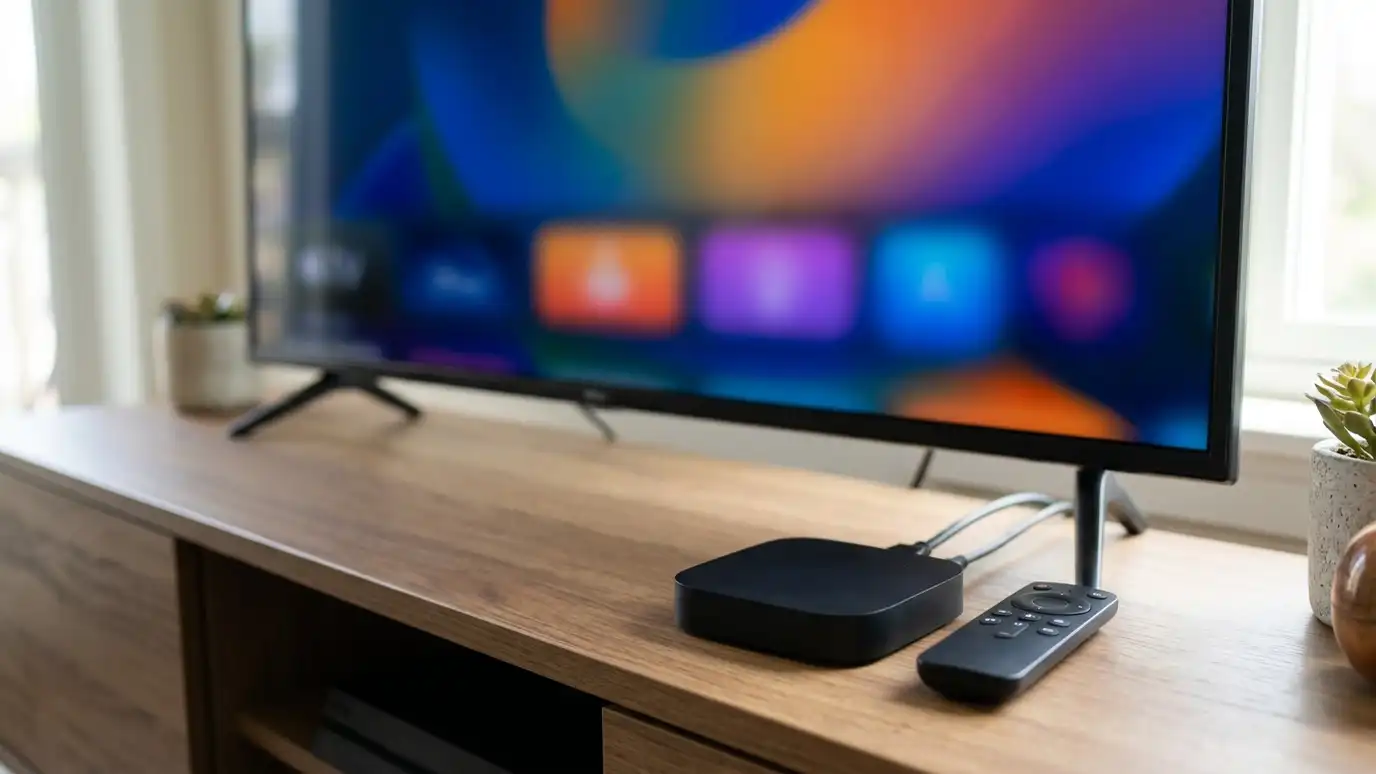
Plug in what you can. TVs, streaming boxes, game consoles and desktop computers all prefer a cable. Wired devices free up Wi-Fi for phones and tablets.
Run network cable during construction or renovation when possible.
Add a switch if you need more ports.
Name your networks clearly, such as Home, Guest and Devices. Clear names make it easy to connect the right gadget to the right network and to find problems.
Separate networks
Use a guest network for visitors and a separate network for smart devices. This keeps your computers and phones safer and your devices organized.
Choose strong passwords and keep devices updated.
Keep a list of what is on the network.
Check for firmware updates on routers and access points every few months. Updates fix bugs and security problems, and a quick check keeps the network healthy.
Test and maintain
Test speed in each room. Update firmware regularly. Replace old routers when they struggle.
If something stops working, restart in order: modem, router, then devices.
A maintenance visit can catch weak spots before they annoy you.
Keep a simple diagram of the network, with the router, switches and access points marked. A diagram helps a technician or you diagnose problems quickly.
Use wired access points, plug in what you can, separate guest and device networks and test every room.