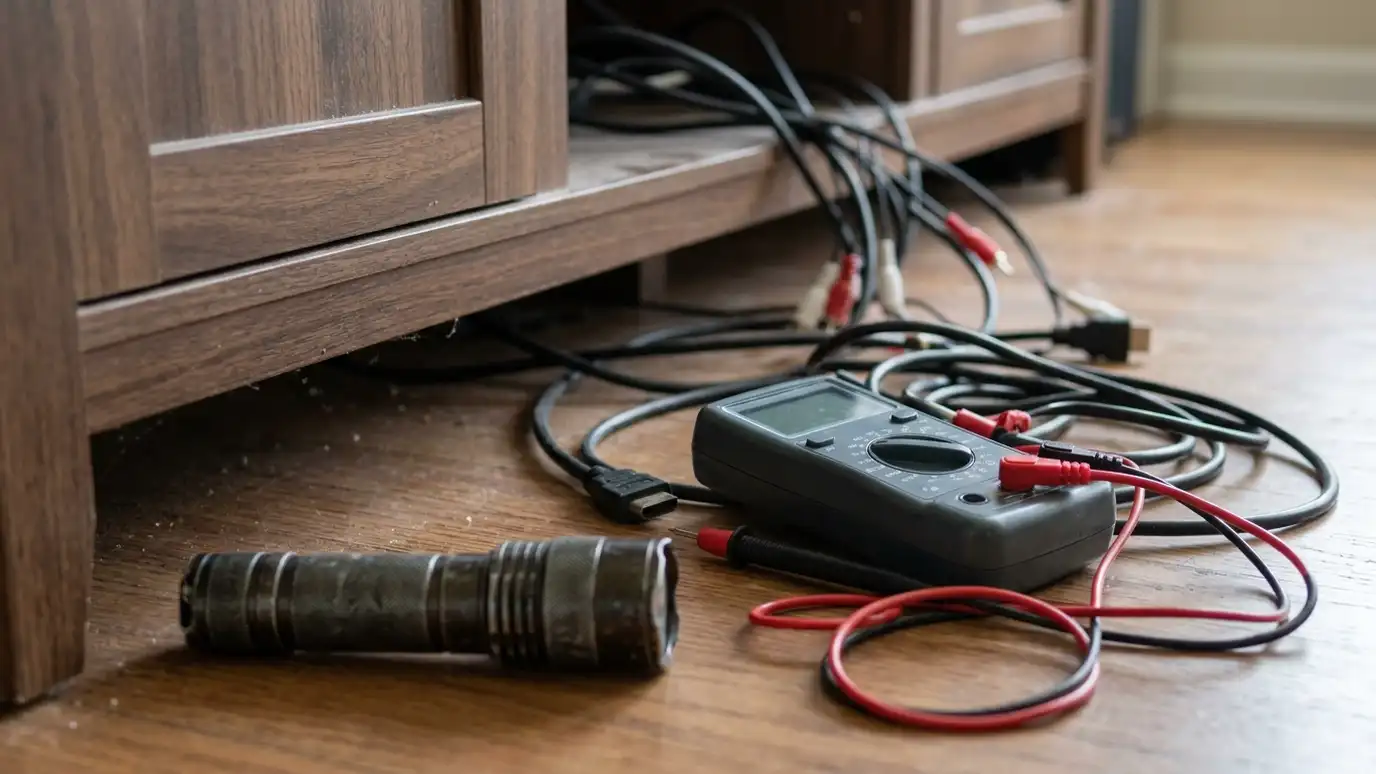
Start with the basics
Check power, input selection, mute and cables before anything else. Make sure the TV and receiver are on the right inputs and that nothing is muted.
Homeowners in Nashville often find that a problem comes from a simple change, such as a remote that switched inputs or a power strip that was turned off.
Simple checks solve many problems in a minute.
Write down what happened just before the problem began, such as a storm, an update or a new device. That one note often points straight at the cause.
No picture
Try another input and another cable. Turn everything off, wait a minute and turn it on again in order: display, receiver, source. Check HDMI settings on the TV.
A flashing or sparkling picture often points to a bad cable or a connection problem.
If a different device works on the same input, the first device may be the cause.
Take a photo of the back of your equipment before you unplug anything. The photo makes it easy to put every cable back where it belongs.
No sound
Check mute, volume and audio output settings on the source and the TV. Confirm the receiver input and speaker selection. Try headphones or another speaker to find the part that fails.
A single silent speaker often means a loose wire or a bad connection.
Make sure speaker wires are not touching each other or the back panel.
Try one thing at a time and test after each change. Changing three things at once makes it impossible to know which one fixed the problem.
Buzz and hum
Buzzing may come from ground loops, poor cables or dimmers sharing a circuit with audio equipment. Try plugging equipment into the same outlet strip and separating power and audio cables.
A power conditioner or isolator can help.
If the sound changes when lights dim, the dimmer may be the cause.
Keep a spare HDMI cable and a spare power strip on hand. Swapping in known-good parts is the quickest way to find a bad one.
Dropouts and lag
Streaming dropouts usually point to Wi-Fi. Move closer, use a wired connection or improve coverage. Bluetooth speakers drop out when something blocks the signal or the device is too far.
Lip sync problems can be fixed with audio delay settings.
Software updates can fix many bugs.
Check the manufacturer support site for firmware updates and known problems. Many mysterious faults are documented there with a simple fix.
When to call for help
If the basics do not work, if you see damage or smell burning or if the problem keeps coming back, it is time to call. Note what happens, when it started and what changed.
Photos of the connections and any error messages help.
Do not open equipment or touch damaged power parts.
Before a service visit, gather model numbers, a list of devices and any error messages. The more we know in advance, the quicker the visit.
Check power, inputs, mute and cables first, change one thing at a time and write down what you tried.