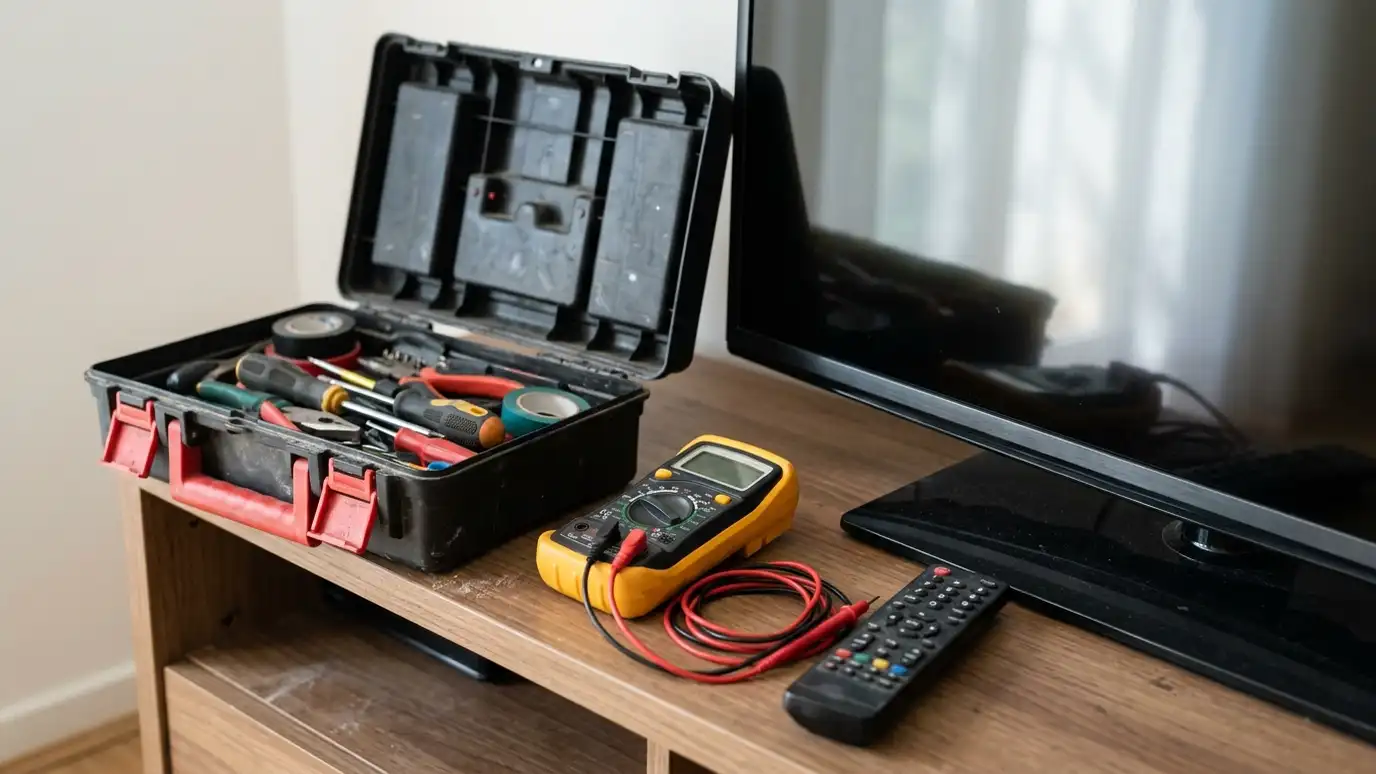
No picture, no sound, buzzing, dropouts, remote trouble and network issues explained with likely causes and first steps.
AV problems often look worse than they are. A black screen can be a wrong input, a loose HDMI cable or a handshake issue between devices. Silence may be a muted receiver, a pause in the audio settings or a speaker wire that has come loose. Buzzing can come from ground loops or poor cables, and dropouts often point to Wi-Fi. A few simple checks can solve many problems, and knowing the likely causes saves time.
Start with the basics: power, inputs, mute and cables. Then think about what changed, such as a new device, an update or a storm. If you can describe what you see and hear, it is easier to find the cause. In Nashville, where thunderstorms can cause power surges and where many homes have older wiring behind newer systems, we often find that a problem has more than one cause. We test step by step, and our problem checker tool helps you narrow it down.
Inputs, HDMI cables, settings or a device handshake.
Mute, audio output settings or speaker wiring.
Ground loops, poor cables or power noise.
Weak Wi-Fi, busy network or overheating.
Batteries, line of sight or programming.
Surges can damage ports and power supplies.
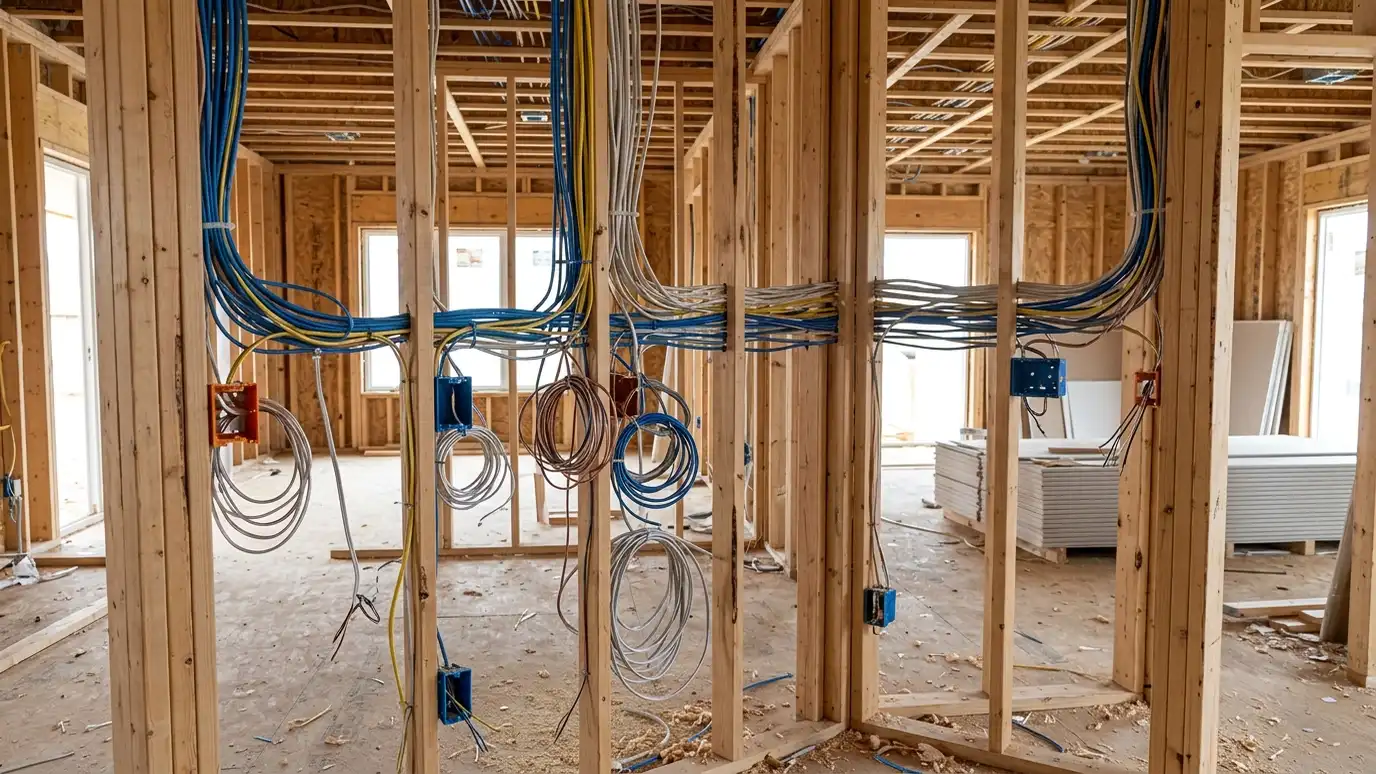 New Construction PrewireSpeaker wire, network cable, conduit and supports installed while walls are open, so the finished home is clean.Explore
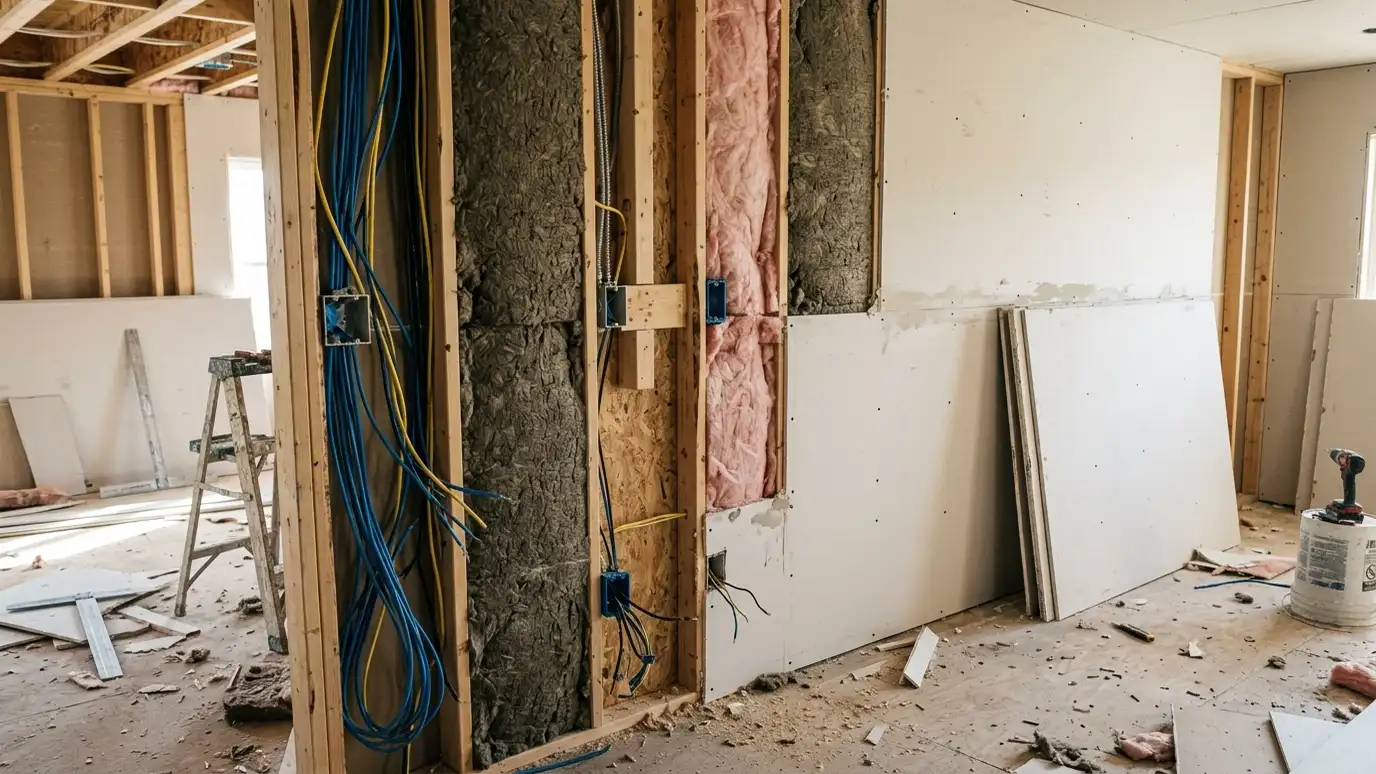 Soundproofing and Sound IsolationWall, ceiling, floor and door upgrades that keep movie sound in and household noise out.Explore
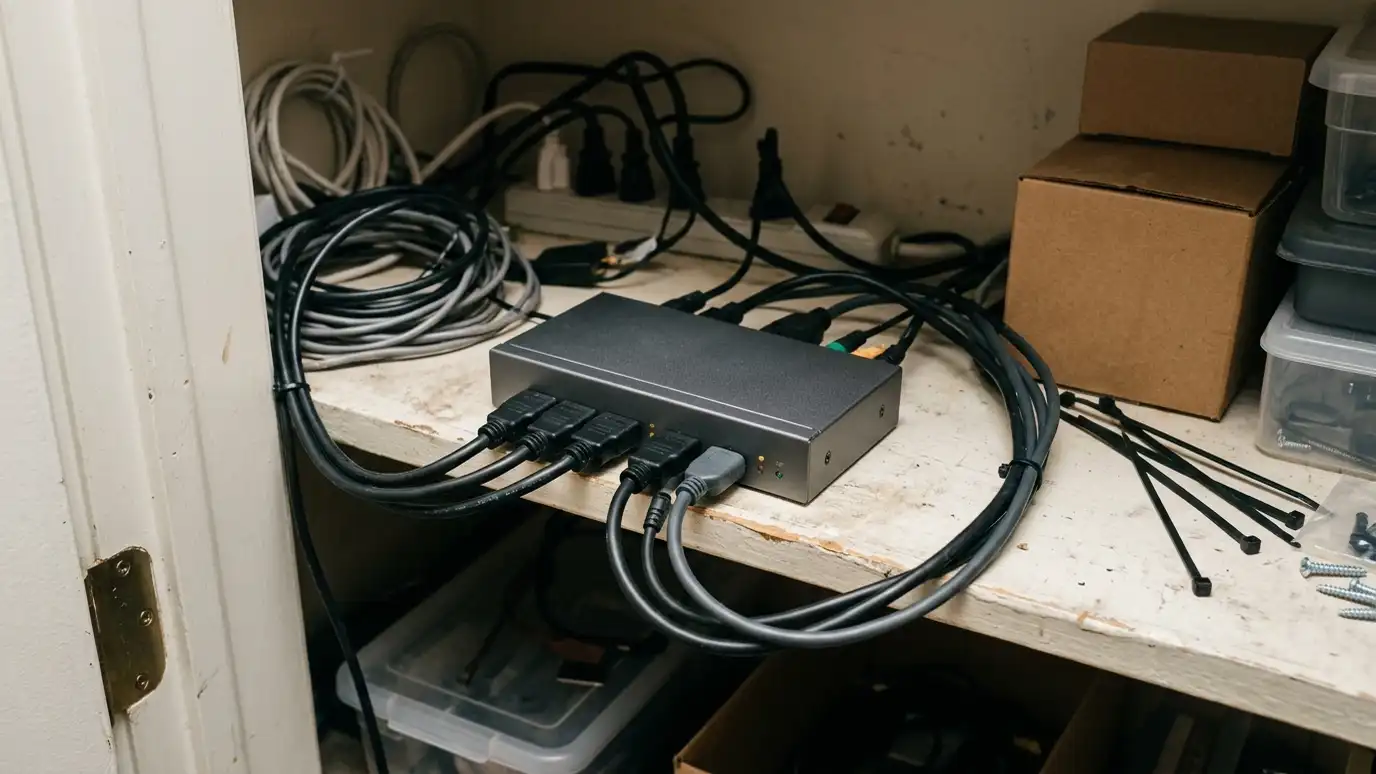 HDMI and AV DistributionVideo and audio sent from one equipment rack to many TVs and rooms with matrices, extenders and simple…Explore
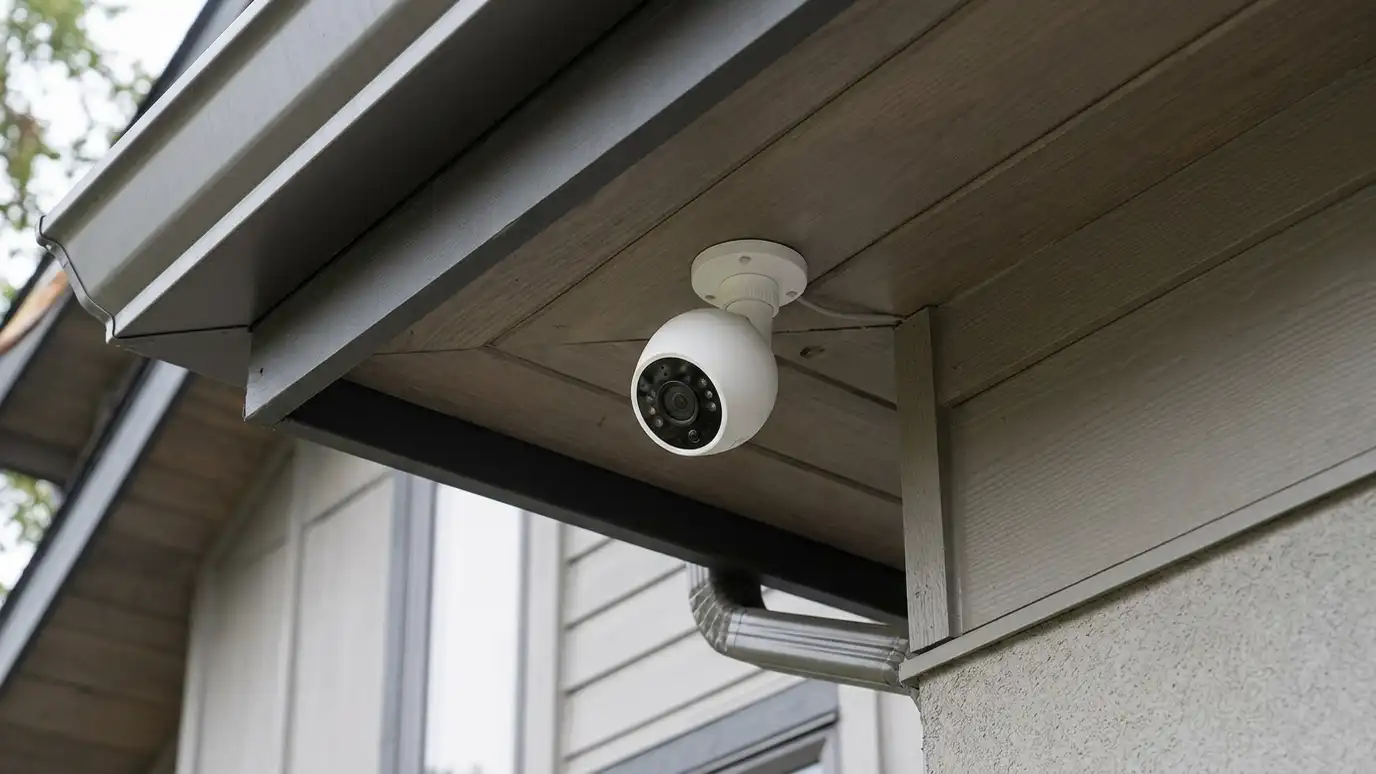 Driveway and Perimeter Camera SystemsLong-range and wide-area cameras covering driveways, fences, gates and property lines, with smart motion alerts.Explore
 Free AV EstimateA free, no-obligation visit to look at your space, hear your goals and give you a clear written…Explore
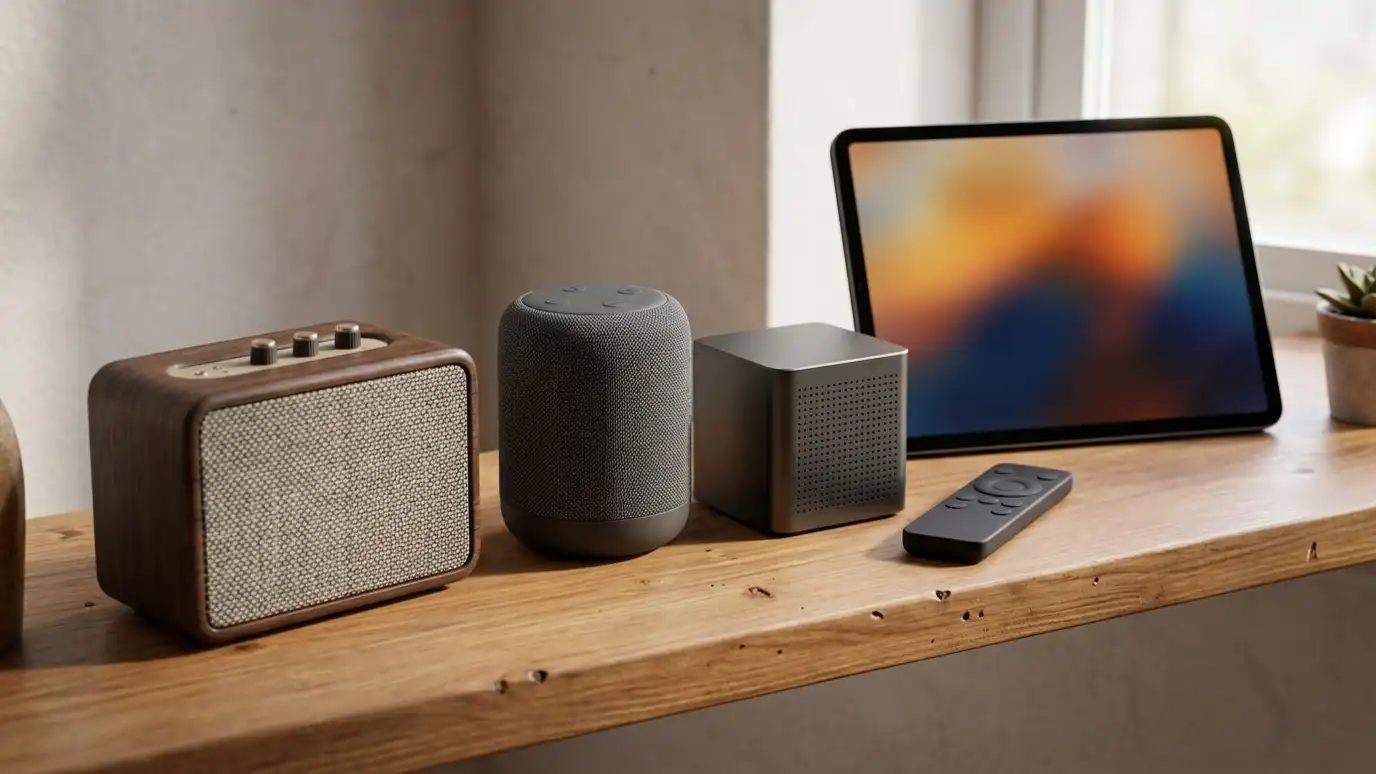 Equipment Selection and Brand GuidancePlain-language help choosing TVs, speakers, receivers, projectors and control systems that fit your home and budget.Explore
Check problems, pick a system or ballpark a budget.
 AV Problem Checker: What Is Wrong?Pick what you see or hear to get likely causes, what to try first and the service page that fits.Try it
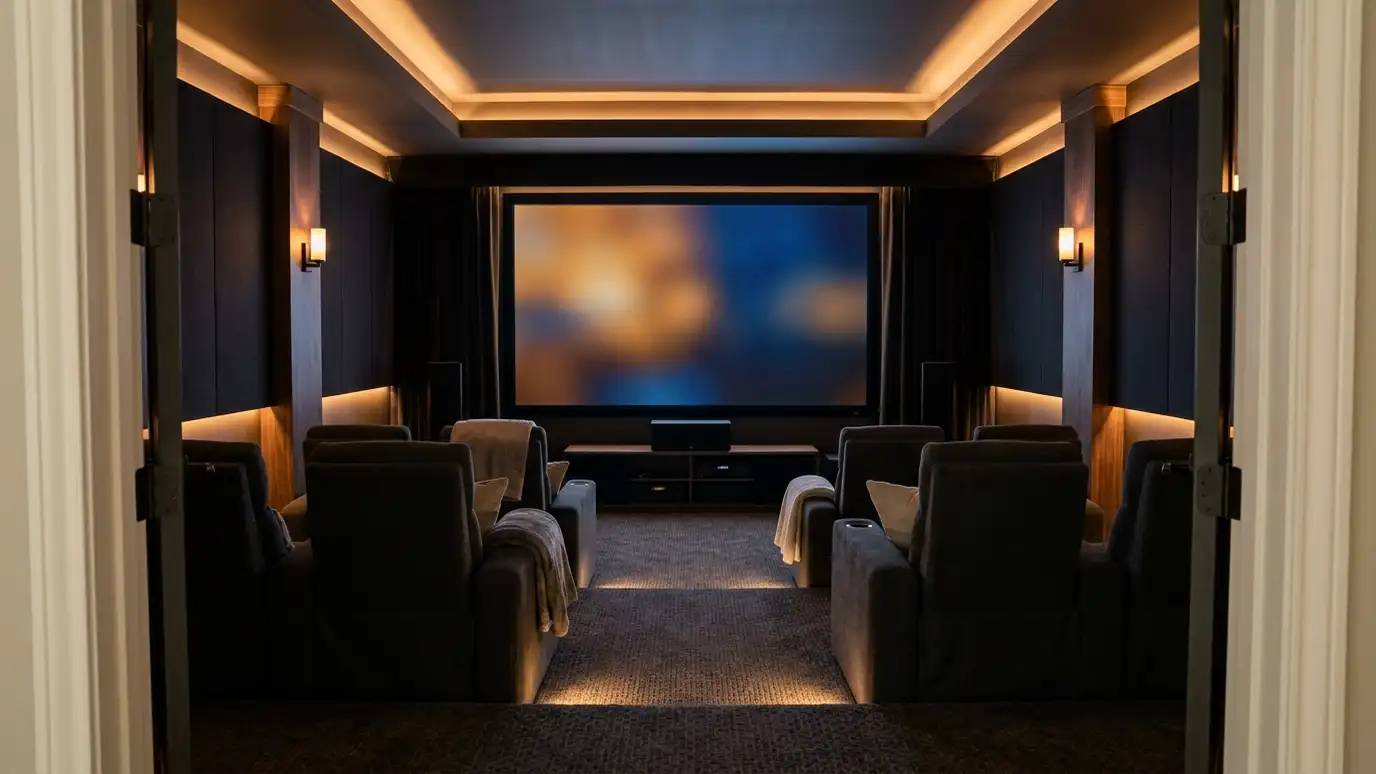 Home Theater System PickerAnswer a few questions about your room, light and habits to see which kind of system usually fits best.Try it
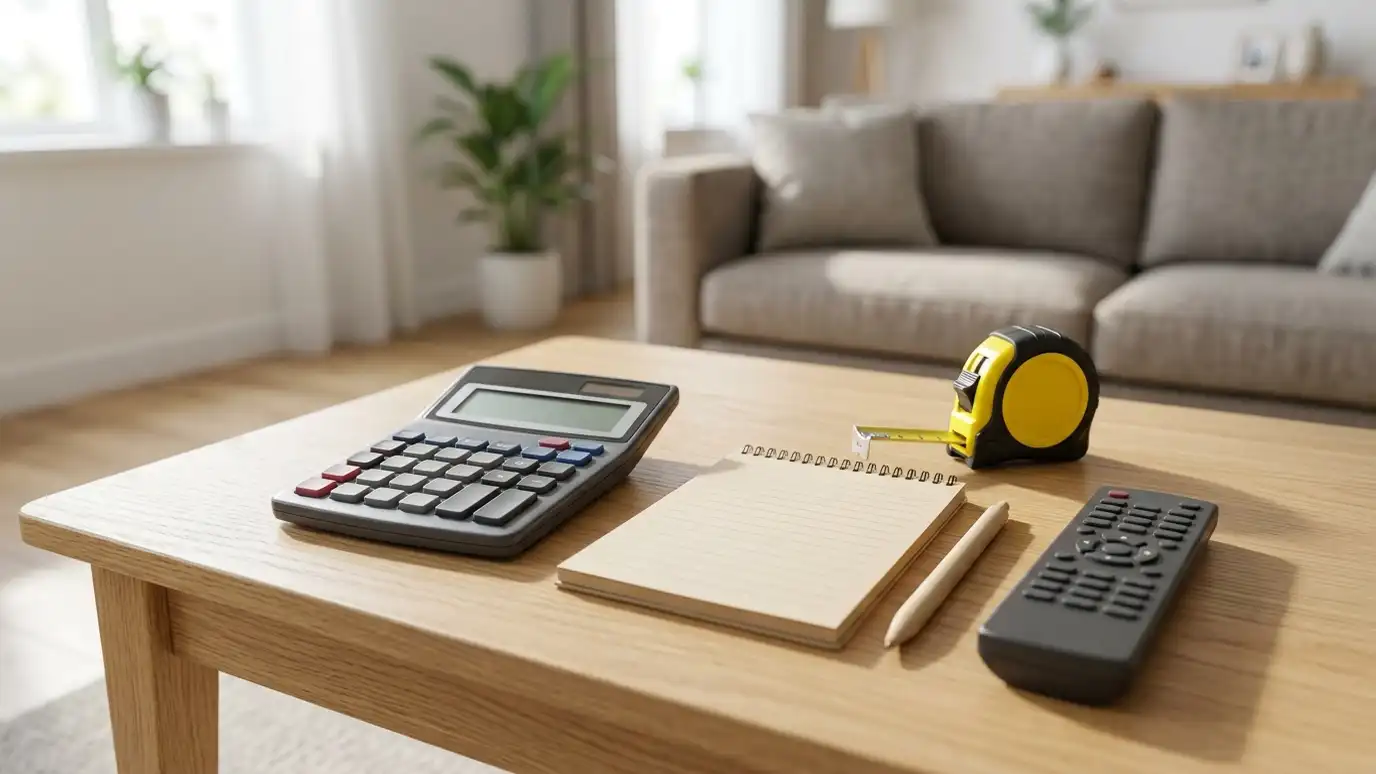 AV Installation Budget PlannerPick a job, set the quantity and add extras to see a ballpark planning range for your audio video project.Try it
Power, input selection, mute and cable connections. Many problems end there.
If the basics do not work, if you smell burning or see damage or if the problem keeps coming back.
Yes. Surges can damage HDMI ports, power supplies and network gear. Surge protection helps.
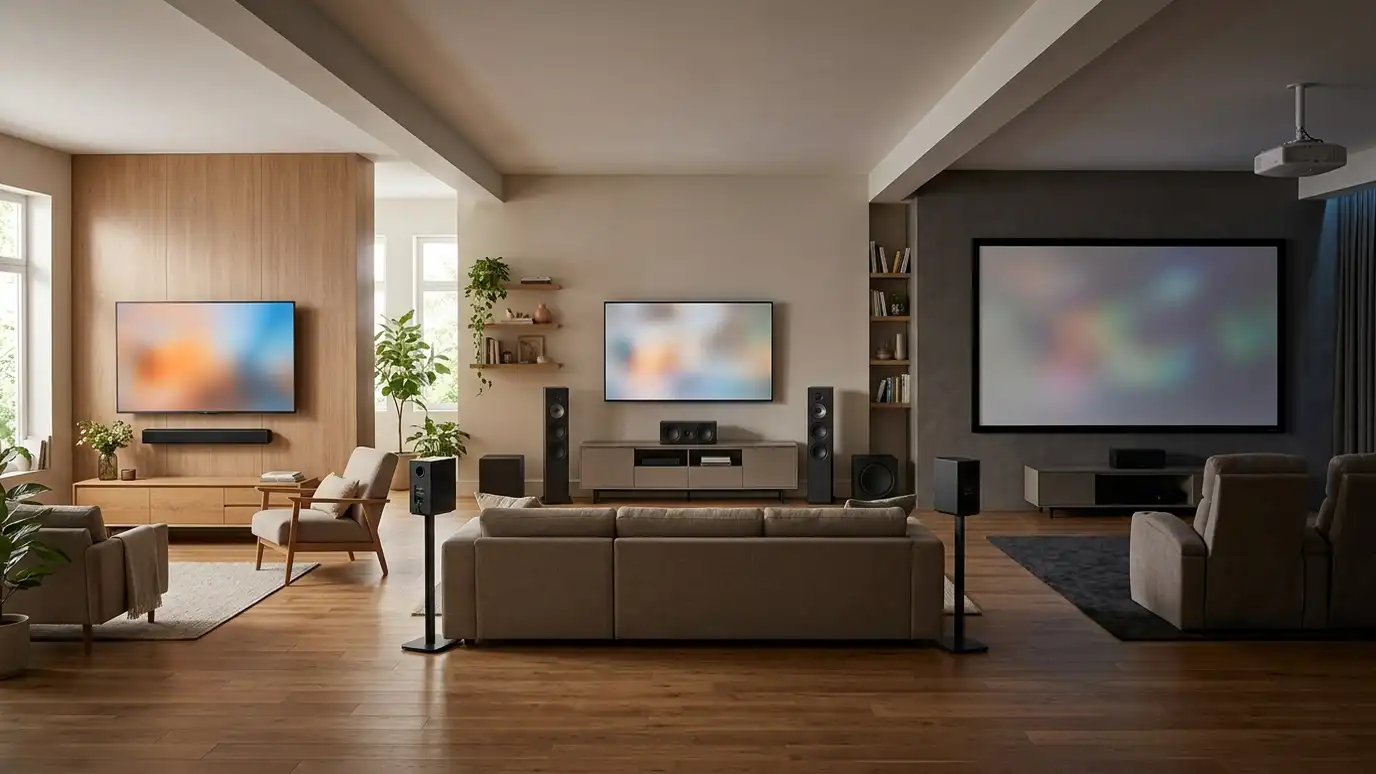 Topic guideSystem TypesSoundbar setups, surround sound systems, projector theaters and dedicated rooms compared for sound, picture, space and effort.Learn more
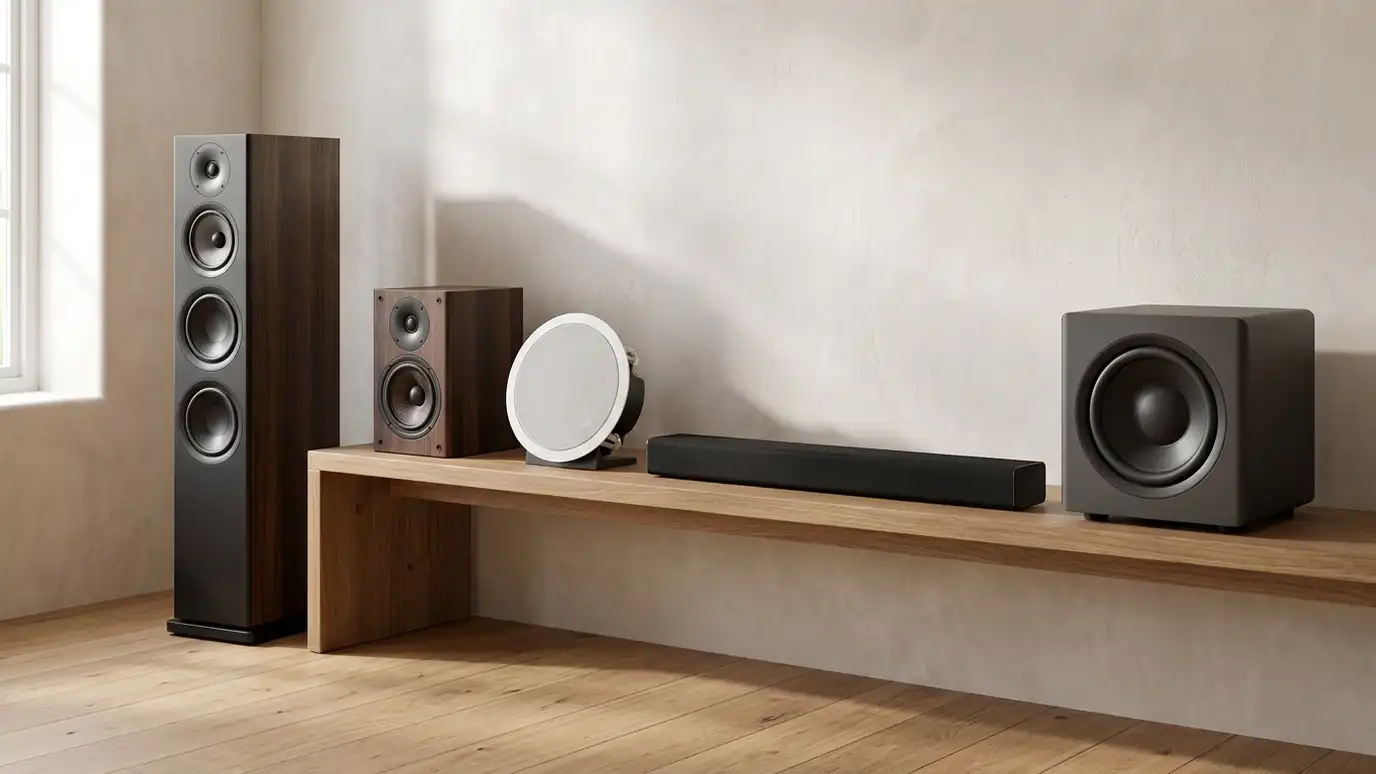 Topic guideSpeaker TypesFloor-standing, bookshelf, in-wall, in-ceiling, soundbar, outdoor and wireless speakers compared for sound, looks and installation.Learn more
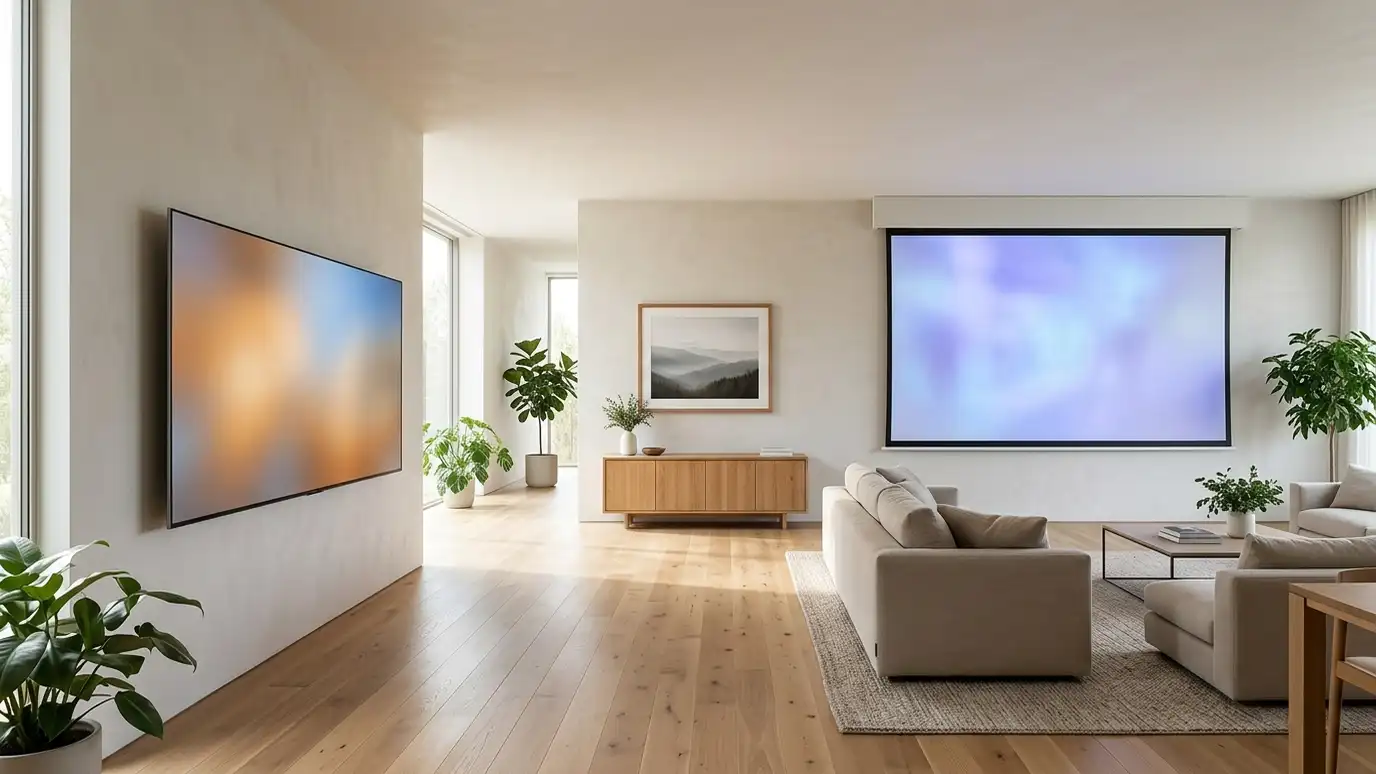 Topic guideTV vs ProjectorLarge TVs and projector systems compared for size, brightness, room light, installation and everyday use.Learn more
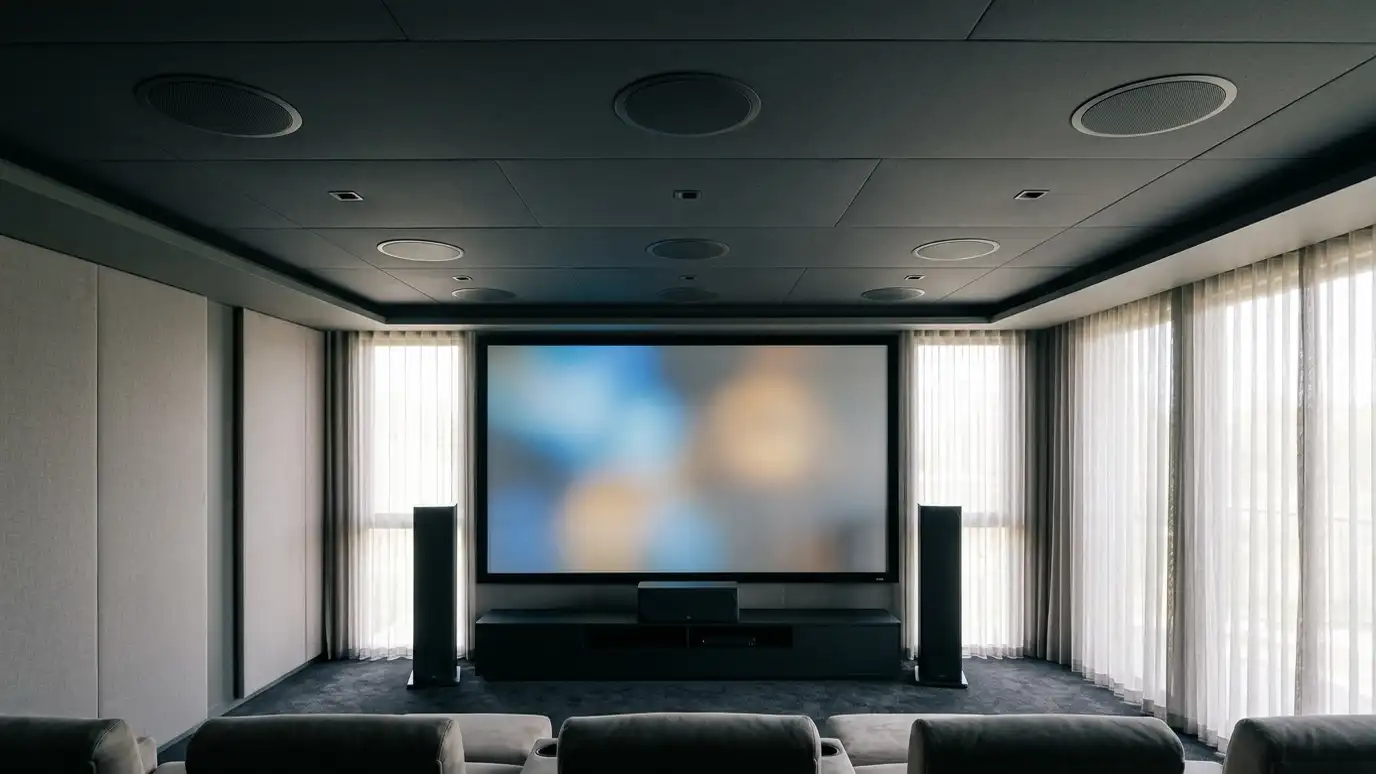 Topic guideSurround FormatsStereo, 5.1, 7.1 and immersive formats with overhead speakers compared for sound, room needs and speaker count.Learn more
Call us and describe your project. We will look at your space, talk through equipment and give you a clear written estimate.